← Home
⇄ ToolLions comparison engine
ClickUp vs Speak AI
Compare pricing, ratings, functions, limits, privacy, pros and cons side by side.
↗
Ready to try one?
Open the official website before you dive into the full table. Always check current pricing and limits.
 8.6
8.6
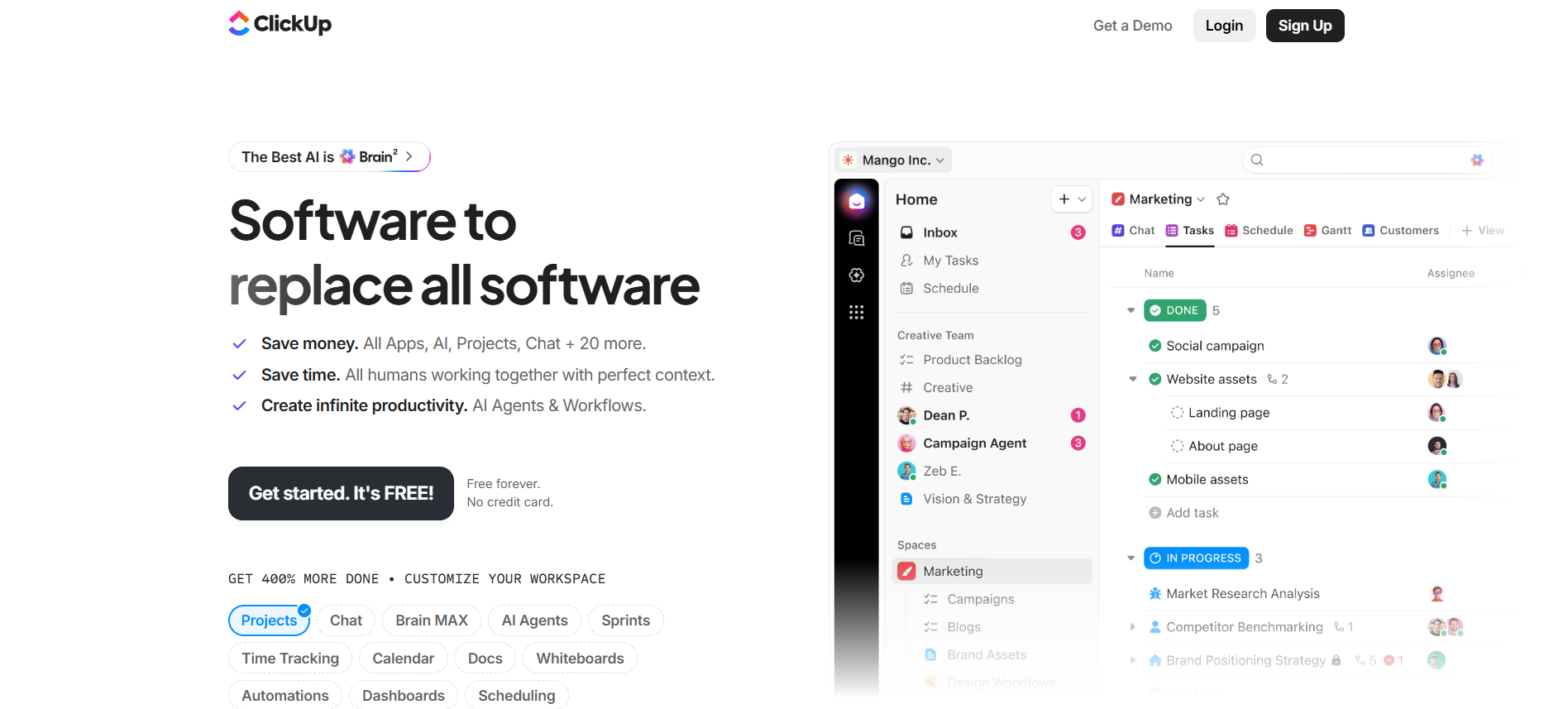
All-in-one project management workspace with tasks, docs, chat, dashboards, automations and ClickUp Brain AI.
Free + paid plansFree planFree trialAPI#New
8.5
AI transcription, meeting notetaker, media analysis and conversation intelligence platform for audio, video and text workflows.
- AI transcription
- AI meeting notetaker
- Audio and video upload
Free trial + pay-as-you-go + paid plansFree trialAPIGDPR friendly#New
🏆Quick verdict
ClickUp fits AI Productivity Tools. Speak AI is relevant to compare because both tools share at least one category.
⭐Score overview
ClickUp: 8.6/10 · Speak AI: 8.5/10
ClickUp vs Speak AI
| Factor | | |
|---|
| Rating | No user ratings | ★ 4.3 (4) |
|---|
| Score overview | 8.6/10 | 8.5/10 |
|---|
| Ease of use | 7.8/10 | 8.5/10 |
|---|
| Price/value | 8.4/10 | 8.3/10 |
|---|
| Output quality | 8.5/10 | 8.5/10 |
|---|
| Best for | - Best for teams that need a central workspace for project management
- task ownership
- docs
- chat
- dashboards
- time tracking
- automations and AI-supported workflow execution.
| - Best for researchers
- consultants
- sales teams
- HR teams
- podcasters
- marketers
- educators and operations teams that need to turn recordings into searchable
- analyzable knowledge.
|
|---|
| Core features | - Tasks Docs Chat Dashboards Automations Click Up Brain AI Time tracking Goals Whiteboards Forms
| |
|---|
| Use cases | - Operations teams building repeatable workflows Marketing
- product and agency teams managing many projects Teams that want tasks
- docs
- chat and dashboards together Businesses ready to invest time in workspace structure
| - Qualitative research Customer interviews Sales call analysis HR interviews Podcast transcription Webinar analysis Meeting summaries Media research Training analysis Voice-of-customer research
|
|---|
| Platforms | | |
|---|
| Inputs | - Tasks Docs Chat Dashboards Automations Click Up Brain AI Time tracking Goals Whiteboards Forms
| |
|---|
| Outputs | - Tasks Docs Dashboards Automations Reports Whiteboards AI summaries AI agents
| - Transcripts Summaries Action items Themes Sentiment Keywords Speaker labels Exports Charts Webhook events
|
|---|
| Integrations | - Google Calendar
- Microsoft Teams
- Google Sheets
- Google Drive
- Zapier
- Slack
- Make
- Jira
- API
| - Google Calendar
- Microsoft Teams
- Google Drive
- Salesforce
- Notion
- Zapier
- Slack
- API
|
|---|
| API | ✅ | ✅ |
|---|
| Mobile app | ✅ | — |
|---|
| Browser extension | ✅ | — |
|---|
| Privacy | 8.9/10 | 8.3/10 |
|---|
| Limitations | - Powerful but can feel crowded without workspace governance. AI is partly sold as add-ons and AI Super Credits can change real monthly cost. Advanced SSO
- SCIM
- governance
- branding and data residency require Enterprise. Feature and usage limits matter
- check current pricing before buying.
| - Trial includes limited transcription minutes. Pay as you go requires a balance after the trial. Pro includes 25 hours transcription
- 1
- 250
- 000 AI chat characters and 10 GB storage per seat. Enterprise is needed for SSO
- custom terms
- white-label domains
- dedicated support and larger rollouts. Transcript quality still depends on audio quality
- accents
- speakers
|
|---|
| Pros | - Very broad feature set Strong free plan Many integrations and public API AI can use workspace context Strong compliance posture
| - Combines transcription
- meeting capture
- NLP analytics and AI Chat in one platform. Pay as you go is useful for occasional users and API builders. Pro includes predictable monthly transcription hours per seat. Strong integration stack with meeting platforms
- CRM tools
- Zapier
- API
- webhooks and MCP. Good fit for qualitative research and conversation intelligence workflows.
|
|---|
| Cons | - Powerful but can feel crowded without workspace governance. AI is partly sold as add-ons and AI Super Credits can change real monthly cost. Advanced SSO
- SCIM
- governance
- branding and data residency require Enterprise. Feature and usage limits matter
- check current pricing before buying.
| - No native mobile app
- desktop app or browser extension was clearly confirmed for the core product. Free access is trial-based rather than an evergreen free plan. Heavy teams can outgrow Pro quickly because it is limited to five seats. Compliance claims should be checked against current contracts and documentation before regulated use. Make support was not treated as a confirmed native option.
|
|---|
💶Pricing comparison that uses the same basis
Free access, payment triggers, real limits and the most suitable plan—without mixing monthly and annual prices.
Comparable paid entryNo reliable price winner: billing period, currency or usage level is not directly comparable.
Free access
ClickUpStart with the free version · Check the current free limits on the official website
Speak AITrial access is available
More relevant comparisons