N
Notion AI
Notion Labs, Inc.
Notion AI helps inside your Notion workspace with summaries, writing, database insights and team knowledge.
- Writing help
- Summaries
- Meeting notes

Compare the best AI Writing Assistants by pricing, free plan, integrations, privacy, output quality and real workflow fit.
Notion Labs, Inc.
Notion AI helps inside your Notion workspace with summaries, writing, database insights and team knowledge.
Google LLC
Google Gemini combines multimodal chat, Deep Research, Live voice, file analysis, image and video generation, Gems and direct Gmail and Docs integration under Google AI plans.
AI Search Visibility
AI SEO and AI search visibility platform for planning, writing, optimizing, auditing and refreshing content across Google, AI Overviews and LLM search.
 8.8
8.8

AI Rewriter
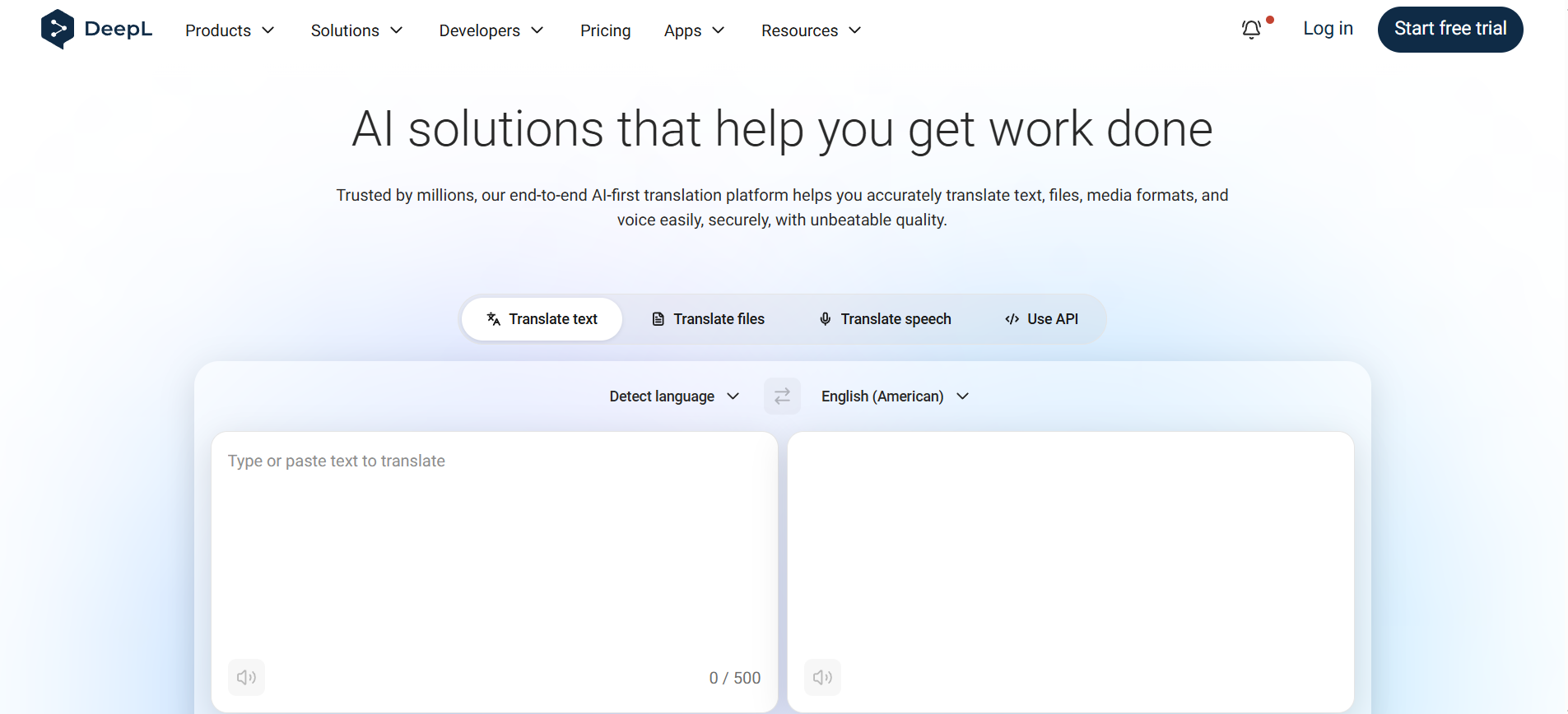
DeepL Write improves writing, tone, grammar and translations for multilingual emails and documents.
 9.0
9.0

AI Assistants
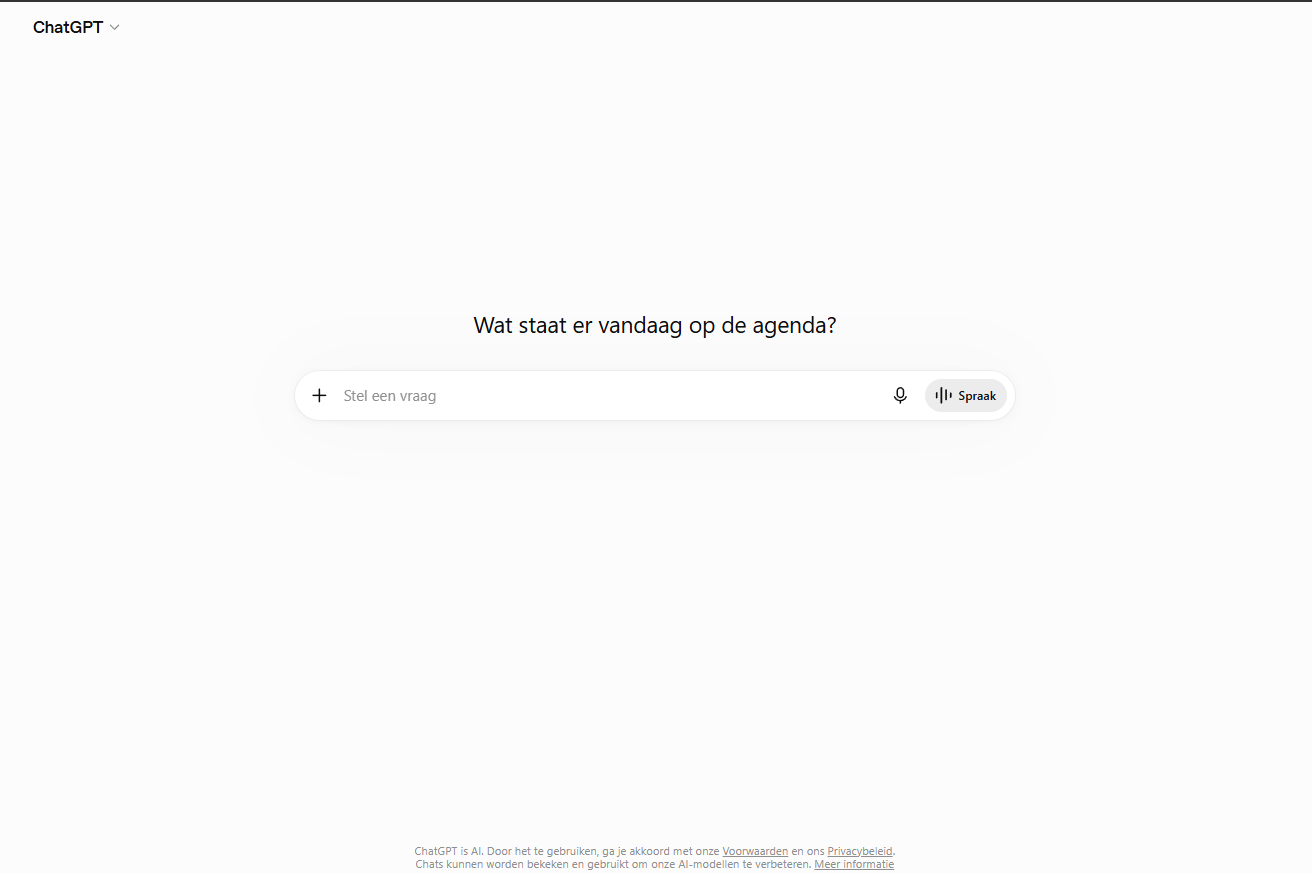
ChatGPT helps with writing, research, brainstorming, coding and file analysis in one broad AI assistant.
This category page is built for users who already know the task they want to solve. Instead of browsing a huge generic directory, you can compare tools that fit one clear workflow.
Check the ToolLions Score, user rating, main features, platform support, API options, limits and alternatives before you click through to a provider.
Choose a tool that matches your actual daily workflow, not only the highest rating. Look at free limits, export options, API access, privacy and team features.
Not always. A lower rated tool can be better when it fits your workflow, budget, privacy needs or integrations.
Yes. Every pair in this category gets an automatic comparison page.