← Home
⇄ ToolLions comparison engine
ClickUp vs Claude
Compare pricing, ratings, functions, limits, privacy, pros and cons side by side.
↗
Ready to try one?
Open the official website before you dive into the full table. Always check current pricing and limits.
 8.6
8.6
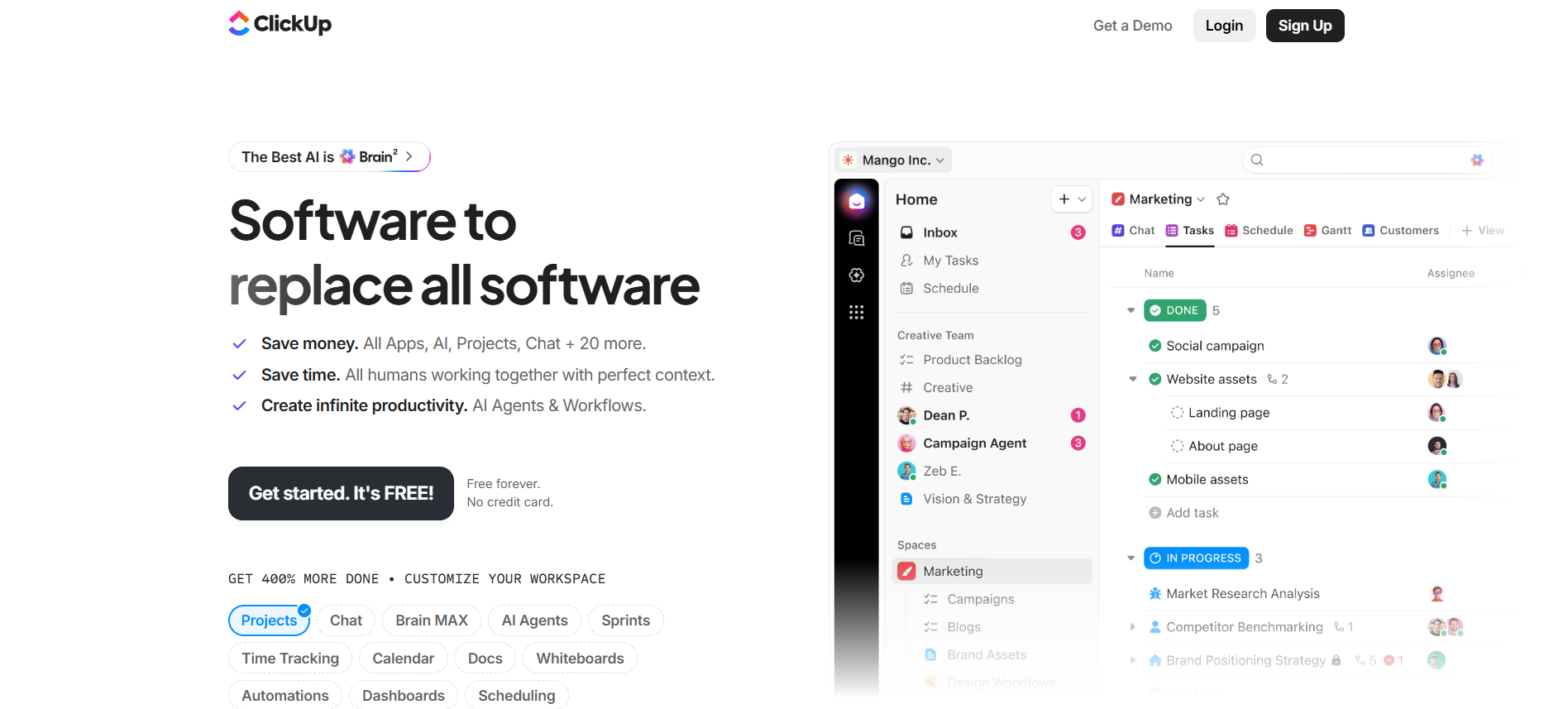
All-in-one project management workspace with tasks, docs, chat, dashboards, automations and ClickUp Brain AI.
Free + paid plansFree planFree trialAPI#New
9.0
Claude is strong for long documents, business writing, analysis and reasoning with large context.
- Long document analysis
- Business writing
- Reasoning
Free plan + paid Claude plans + separate API billingFree planAPIMobile app#New
🏆Quick verdict
ClickUp fits AI Productivity Tools. Claude is relevant to compare because both tools share at least one category.
⭐Score overview
ClickUp: 8.6/10 · Claude: 9.0/10
ClickUp vs Claude
| Factor | | |
|---|
| Rating | No user ratings | No user ratings |
|---|
| Score overview | 8.6/10 | 9.0/10 |
|---|
| Ease of use | 7.8/10 | 9.1/10 |
|---|
| Price/value | 8.4/10 | 8.1/10 |
|---|
| Output quality | 8.5/10 | 9.5/10 |
|---|
| Best for | - Best for teams that need a central workspace for project management
- task ownership
- docs
- chat
- dashboards
- time tracking
- automations and AI-supported workflow execution.
| - Best for individuals
- developers
- researchers
- writers
- students and teams that need advanced reasoning
- coding
- document work and connected knowledge workflows.
|
|---|
| Core features | - Tasks Docs Chat Dashboards Automations Click Up Brain AI Time tracking Goals Whiteboards Forms
| |
|---|
| Use cases | - Operations teams building repeatable workflows Marketing
- product and agency teams managing many projects Teams that want tasks
- docs
- chat and dashboards together Businesses ready to invest time in workspace structure
| - Writing Coding Research Document analysis Data analysis Study help Enterprise search API development
|
|---|
| Platforms | | |
|---|
| Inputs | - Tasks Docs Chat Dashboards Automations Click Up Brain AI Time tracking Goals Whiteboards Forms
| - Writing Coding Research Document analysis Data analysis Study help Enterprise search API development
|
|---|
| Outputs | - Tasks Docs Dashboards Automations Reports Whiteboards AI summaries AI agents
| |
|---|
| Integrations | - Google Calendar
- Microsoft Teams
- Google Sheets
- Google Drive
- Zapier
- Slack
- Make
- Jira
- API
| - Google Workspace
- Google Calendar
- Microsoft 365
- Google Drive
- Google Docs
- Notion
- Slack
- Gmail
- Asana
|
|---|
| API | ✅ | ✅ |
|---|
| Mobile app | ✅ | ✅ |
|---|
| Browser extension | ✅ | ✅ |
|---|
| Privacy | 8.9/10 | 9.0/10 |
|---|
| Limitations | - Powerful but can feel crowded without workspace governance. AI is partly sold as add-ons and AI Super Credits can change real monthly cost. Advanced SSO
- SCIM
- governance
- branding and data residency require Enterprise. Feature and usage limits matter
- check current pricing before buying.
| - Usage limits vary by plan
- model and conversation complexity. API access requires separate Claude Console billing. Some connectors and Chrome features can be beta or plan-limited. SSO
- SCIM and custom retention require Team or Enterprise setup. Outputs still need human review.
|
|---|
| Pros | - Very broad feature set Strong free plan Many integrations and public API AI can use workspace context Strong compliance posture
| - Excellent reasoning and writing quality. Strong coding
- file and artifact workflows. Available across web
- desktop
- mobile and Chrome. Good connector ecosystem through MCP and official integrations. Strong commercial security posture.
|
|---|
| Cons | - Powerful but can feel crowded without workspace governance. AI is partly sold as add-ons and AI Super Credits can change real monthly cost. Advanced SSO
- SCIM
- governance
- branding and data residency require Enterprise. Feature and usage limits matter
- check current pricing before buying.
| - Usage limits can be hard to predict. API usage is billed separately. Heavy plans can become expensive. Some features vary by plan
- region or beta access. Connectors need careful permission review.
|
|---|
💶Pricing comparison that uses the same basis
Free access, payment triggers, real limits and the most suitable plan—without mixing monthly and annual prices.
Comparable paid entryNo reliable price winner: billing period, currency or usage level is not directly comparable.
Free access
ClickUpStart with the free version · Check the current free limits on the official website
ClaudeStart with the free version · Check the current free limits on the official website
More relevant comparisons