 8.6
8.6

ClickUp
AI Productivity Tools
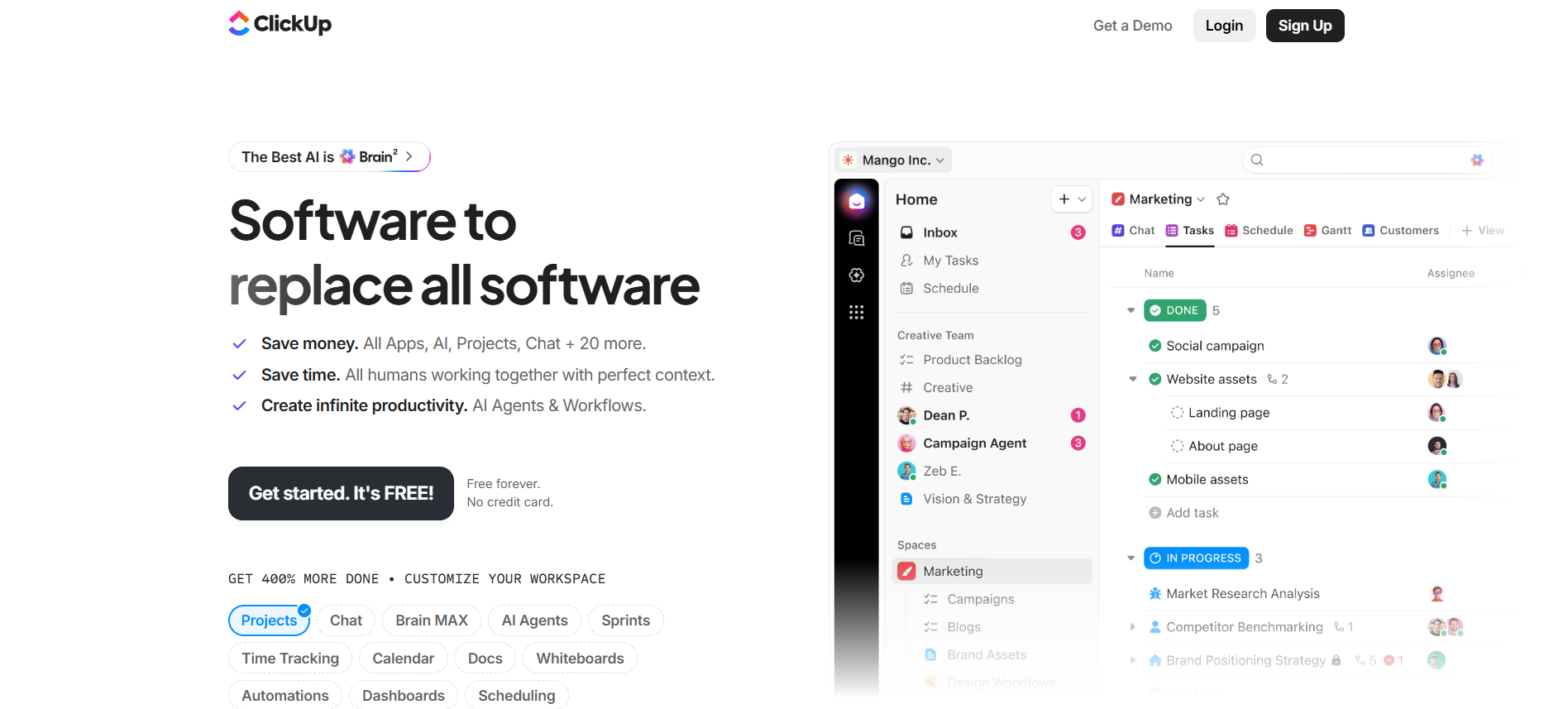
All-in-one project management workspace with tasks, docs, chat, dashboards, automations and ClickUp Brain AI.
- Tasks
- Docs
- Chat

Compare pricing, ratings, functions, limits, privacy, pros and cons side by side.
8.6
AI Productivity Tools
All-in-one project management workspace with tasks, docs, chat, dashboards, automations and ClickUp Brain AI.
Cognition AI, Inc.
Devin is an autonomous coding agent that plans, edits, tests and ships software in cloud workspaces, opens pull requests and connects to engineering tools and automations.
ClickUp fits AI Productivity Tools. Devin is relevant to compare because both tools share at least one category.
ClickUp: 8.6/10 · Devin: 8.1/10
| Factor | ClickUpVisit website → | DevinDevin → |
|---|---|---|
| Rating | No user ratings | No user ratings |
| Score overview | 8.6/10 | 8.1/10 |
| Ease of use | 7.8/10 | 7.5/10 |
| Price/value | 8.4/10 | 6.9/10 |
| Output quality | 8.5/10 | 8.0/10 |
| Best for |
|
|
| Core features |
|
|
| Use cases |
|
|
| Platforms |
|
|
| Inputs |
|
|
| Outputs |
|
|
| Integrations |
|
|
| API | ✅ | ✅ |
| Mobile app | ✅ | — |
| Browser extension | ✅ | — |
| Privacy | 8.9/10 | 8.8/10 |
| Limitations |
|
|
| Pros |
|
|
| Cons |
|
|
Free access, payment triggers, real limits and the most suitable plan—without mixing monthly and annual prices.
| Buying question | ClickUp | Devin |
|---|---|---|
| Free access | Start with the free version · Check the current free limits on the official website | Free costs $0/month and includes Light agent quota. Key capabilities include Devin Review, DeepWiki. Main limits are Light agent quota, Limited model availability. |
| When payment is needed | — | Choose Devin for well-scoped engineering tasks with repository access, acceptance criteria and human review. Start small and set spending controls. |
| Credits and limits | — | Devin combines cloud coding sessions, browser and desktop use, testing, pull requests, Devin Desktop, CLI, Review, DeepWiki, Skills, automations, API, MCP and integrations for GitHub, GitLab, Bitbucket, Azure DevOps, Slack, Microsoft Teams, Linear and Jira. Free has a light quota, Pro costs $20, Max $200, Teams has an $80 minimum and Enterprise is custom. · Light Free quota · Pro has daily and weekly limits |
| Likely best-value plan | — | $20 / month · Implement a scoped feature · Pro costs $20/month and includes Daily and weekly quota plus on-demand usage. Key capabilities include Everything in Free, Frontier models. Main limits are Daily and weekly included quota, Single user. |
| Value verdict | — | Choose Devin for well-scoped engineering tasks with repository access, acceptance criteria and human review. Start small and set spending controls. |
Start with the free version · Check the current free limits on the official website
Free costs $0/month and includes Light agent quota. Key capabilities include Devin Review, DeepWiki. Main limits are Light agent quota, Limited model availability.
—
Choose Devin for well-scoped engineering tasks with repository access, acceptance criteria and human review. Start small and set spending controls.
—
Devin combines cloud coding sessions, browser and desktop use, testing, pull requests, Devin Desktop, CLI, Review, DeepWiki, Skills, automations, API, MCP and integrations for GitHub, GitLab, Bitbucket, Azure DevOps, Slack, Microsoft Teams, Linear and Jira. Free has a light quota, Pro costs $20, Max $200, Teams has an $80 minimum and Enterprise is custom. · Light Free quota · Pro has daily and weekly limits
—
$20 / month · Implement a scoped feature · Pro costs $20/month and includes Daily and weekly quota plus on-demand usage. Key capabilities include Everything in Free, Frontier models. Main limits are Daily and weekly included quota, Single user.
—
Choose Devin for well-scoped engineering tasks with repository access, acceptance criteria and human review. Start small and set spending controls.
A concise selection of sourced findings; extra research stays on the individual tool pages.
No sourced findings yet.
Choose Devin for well-scoped engineering tasks with repository access, acceptance criteria and human review. Start small and set spending controls.
Devin combines cloud coding sessions, browser and desktop use, testing, pull requests, Devin Desktop, CLI, Review, DeepWiki, Skills, automations, API, MCP and integrations for GitHub, GitLab, Bitbucket, Azure DevOps, Slack, Microsoft Teams, Linear and Jira. Free has a light quota, Pro costs $20, Max $200, Teams has an $80 minimum and Enterprise is custom.
Official Devin product introduction ↗$0/month / $20/month / $200/month / $80/month minimum + $40/full seat / Custom ACU pricing
Official Devin self-serve pricing documentation ↗A permanent evaluation plan with limited Devin usage, limited model availability, Devin Review, DeepWiki, unlimited inline edits and unlimited Tab completions.
Official Devin self-serve pricing documentation ↗No hands-on practical test was performed. Findings reflect official public information and may change with product releases, checkout, region, account type or plan.
