← Home
⇄ ToolLions comparison engine
ClickUp vs Copy.ai
Compare pricing, ratings, functions, limits, privacy, pros and cons side by side.
↗
Ready to try one?
Open the official website before you dive into the full table. Always check current pricing and limits.
 8.6
8.6
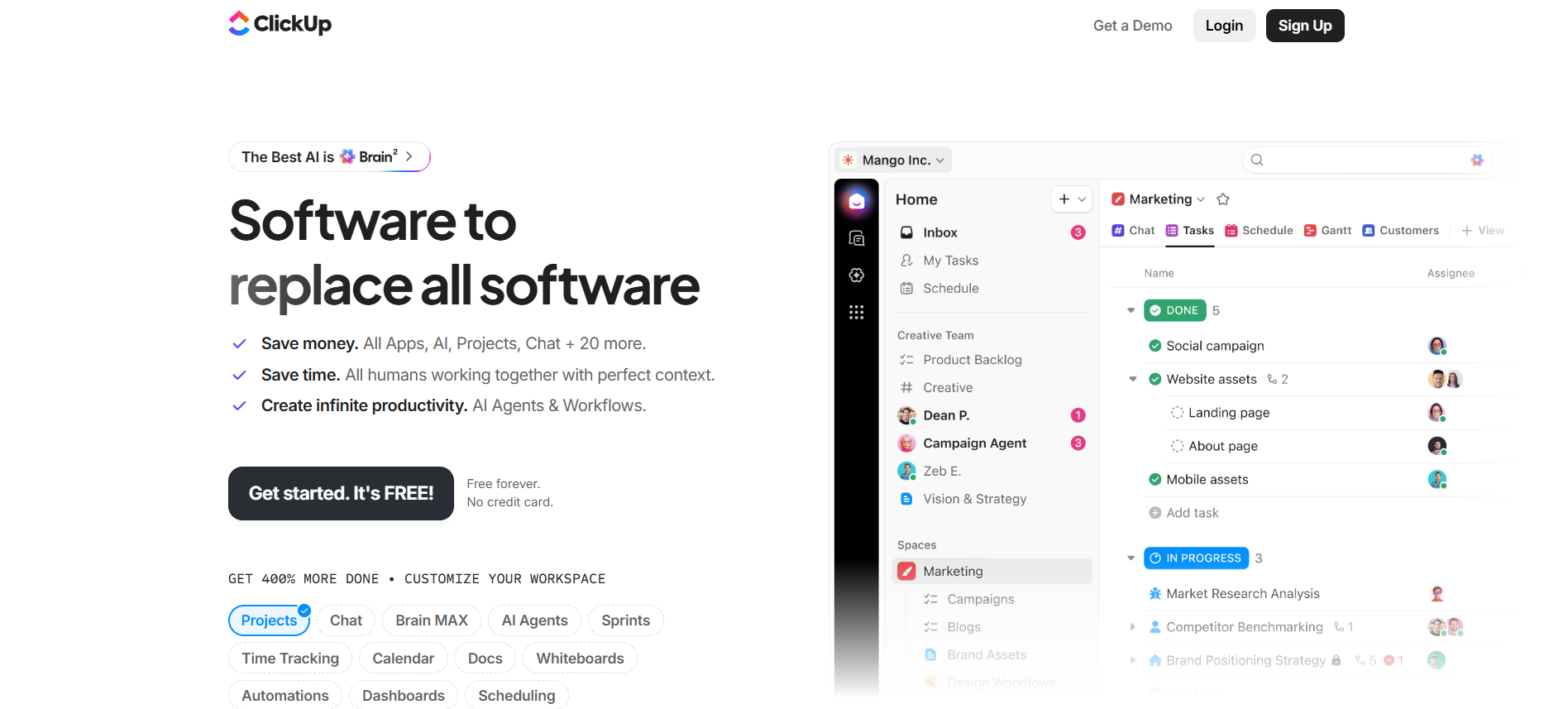
All-in-one project management workspace with tasks, docs, chat, dashboards, automations and ClickUp Brain AI.
Free + paid plansFree planFree trialAPI#New
 8.3
8.3
Copy.ai helps with sales emails, ad copy, blog ideas and workflows for content and sales teams.
- Copy generation
- Sales workflows
- Email drafts
Free plan + paid GTM AI workflow plansFree planFree trialAPI#New
🏆Quick verdict
ClickUp fits AI Productivity Tools. Copy.ai is relevant to compare because both tools share at least one category.
⭐Score overview
ClickUp: 8.6/10 · Copy.ai: 8.3/10
ClickUp vs Copy.ai
| Factor | | |
|---|
| Rating | No user ratings | No user ratings |
|---|
| Score overview | 8.6/10 | 8.3/10 |
|---|
| Ease of use | 7.8/10 | 8.1/10 |
|---|
| Price/value | 8.4/10 | 7.4/10 |
|---|
| Output quality | 8.5/10 | 8.4/10 |
|---|
| Best for | - Best for teams that need a central workspace for project management
- task ownership
- docs
- chat
- dashboards
- time tracking
- automations and AI-supported workflow execution.
| - Best for sales
- marketing and operations teams that want to standardize repeatable GTM work such as account research
- outbound personalization
- content production
- translation
- CRM enrichment and sales collateral creation.
|
|---|
| Core features | - Tasks Docs Chat Dashboards Automations Click Up Brain AI Time tracking Goals Whiteboards Forms
| - AI Chat Brand Voice Infobase Tables Actions Customizable Workflows Workflow Builder Copy Agents Workflow credits API access Webhooks Bulk workflow runs Zapier integration 2
- 000+ app connections through Zapier GTM systems integrations 25+ content languages 90+ content types and free tools
|
|---|
| Use cases | - Operations teams building repeatable workflows Marketing
- product and agency teams managing many projects Teams that want tasks
- docs
- chat and dashboards together Businesses ready to invest time in workspace structure
| - Account planning Inbound lead processing CRM enrichment Outbound personalization Sales collateral creation SEO content workflows Thought leadership drafting Translation and localization GTM systems integration Deal coaching and forecasting
|
|---|
| Platforms | | |
|---|
| Inputs | - Tasks Docs Chat Dashboards Automations Click Up Brain AI Time tracking Goals Whiteboards Forms
| - Prompts Brand Voice Infobase Tables Workflow inputs CRM/account data Website research
|
|---|
| Outputs | - Tasks Docs Dashboards Automations Reports Whiteboards AI summaries AI agents
| |
|---|
| Integrations | - Google Calendar
- Microsoft Teams
- Google Sheets
- Google Drive
- Zapier
- Slack
- Make
- Jira
- API
| - Microsoft Teams
- Google Docs
- Salesforce
- Notion
- Zapier
- OpenAI
- Slack
- Email
- API
|
|---|
| API | ✅ | ✅ |
|---|
| Mobile app | ✅ | — |
|---|
| Browser extension | ✅ | — |
|---|
| Privacy | 8.9/10 | 8.8/10 |
|---|
| Limitations | - Powerful but can feel crowded without workspace governance. AI is partly sold as add-ons and AI Super Credits can change real monthly cost. Advanced SSO
- SCIM
- governance
- branding and data residency require Enterprise. Feature and usage limits matter
- check current pricing before buying.
| - Free plan information appears alongside older wording such as 2
- 000 free words per month
- pricing should be checked before import. Workflow credits are variable and depend on run complexity. Make integration was not confirmed as a direct official option
- so it is set to false. Export is not set to true because a dedicated export feature was not clearly confirmed in official pages reviewed. The platform is strongest for GTM teams
- not general-purpose coding
- image generation or project management.
|
|---|
| Pros | - Very broad feature set Strong free plan Many integrations and public API AI can use workspace context Strong compliance posture
| - Much deeper than a basic AI writer when used for workflows. Strong fit for sales
- marketing and operations teams. Good workflow/API/webhook foundation for GTM automation. Brand Voice and Infobase help keep outputs more consistent. Solid enterprise security messaging with SOC 2
- GDPR and SSO-ready positioning.
|
|---|
| Cons | - Powerful but can feel crowded without workspace governance. AI is partly sold as add-ons and AI Super Credits can change real monthly cost. Advanced SSO
- SCIM
- governance
- branding and data residency require Enterprise. Feature and usage limits matter
- check current pricing before buying.
| - Workflow pricing is less predictable than simple per-seat pricing. The best value requires setup work and process design. Growth and larger plans are expensive for small teams. No confirmed native mobile app
- desktop app or browser extension for the core platform. Some integration claims are broad and may require API
- Zapier or custom setup rather than simple native one-click connectors.
|
|---|
💶Pricing comparison that uses the same basis
Free access, payment triggers, real limits and the most suitable plan—without mixing monthly and annual prices.
Comparable paid entryNo reliable price winner: billing period, currency or usage level is not directly comparable.
Free access
ClickUpStart with the free version · Check the current free limits on the official website
Copy.aiStart with the free version · Check the current free limits on the official website
More relevant comparisons