
โ† Home
โ‡„ ToolLions comparison engine

ChatGPT vs Claude

Compare pricing, ratings, functions, limits, privacy, pros and cons side by side.

Tool B only shows tools that share a category with Tool A.
โ†—
Ready to try one? Open the official website before you dive into the full table. Always check current pricing and limits.
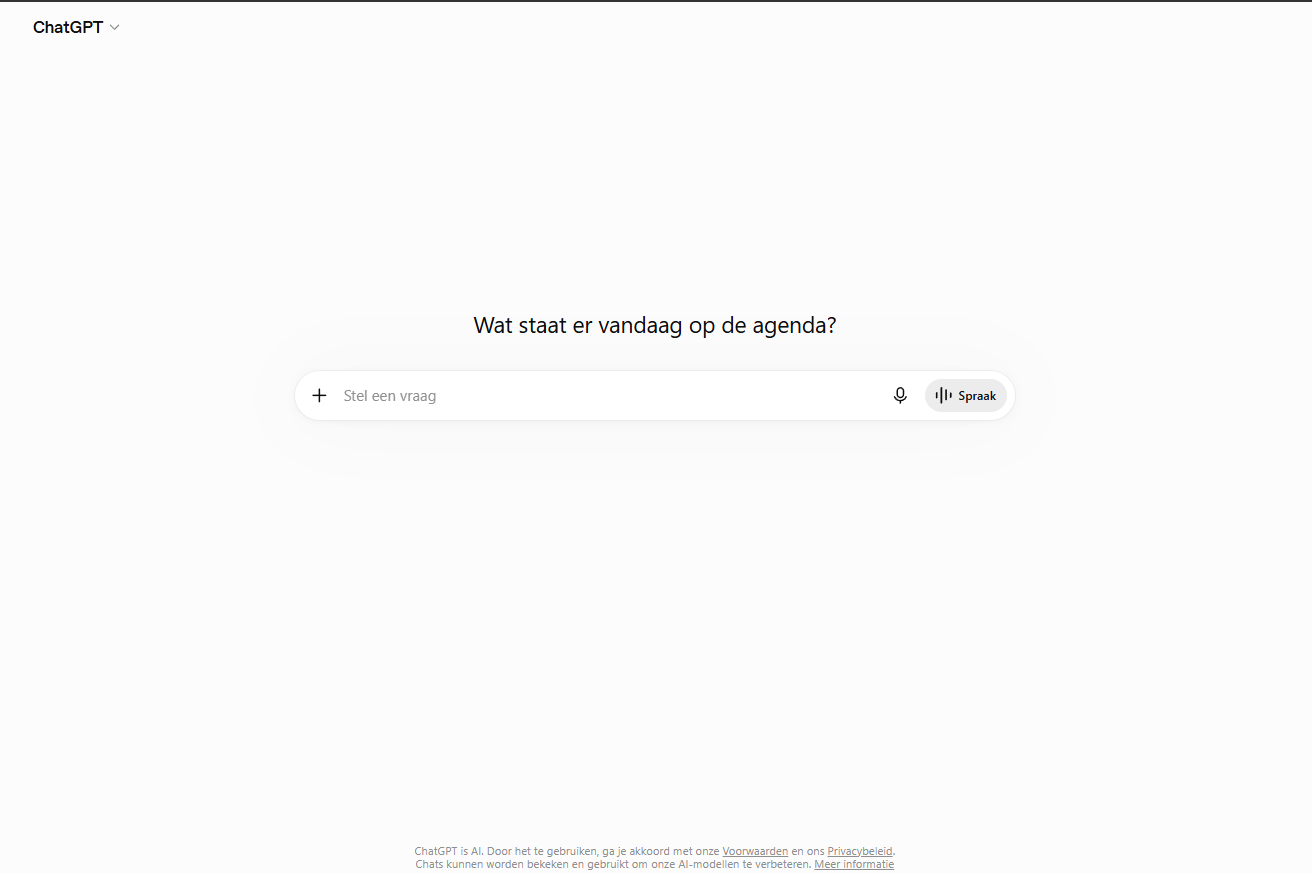
ChatGPT screenshot 9.0

ChatGPT

AI Assistants

โ˜… (0)

ChatGPT helps with writing, research, brainstorming, coding and file analysis in one broad AI assistant.

  • Chat assistant
  • File analysis
  • Image understanding
Free plan + paid plansFree planAPIMobile app#New
9.0

Claude

AI API Platforms

โ˜… (0)

Claude is strong for long documents, business writing, analysis and reasoning with large context.

  • Long document analysis
  • Business writing
  • Reasoning
Free plan + paid Claude plans + separate API billingFree planAPIMobile app#New
๐Ÿ†

Quick verdict

ChatGPT fits AI Assistants. Claude is relevant to compare because both tools share at least one category.

โญ

Score overview

ChatGPT: 9.0/10 ยท Claude: 9.0/10

ChatGPT vs Claude

Factor
RatingNo user ratingsNo user ratings
Score overview9.0/109.0/10
Ease of use9.5/109.1/10
Price/value8.7/108.1/10
Output quality9.6/109.5/10
Best for
  • Best for students
  • founders
  • creators
  • marketers
  • analysts
  • developers and teams that want one AI assistant for daily work
  • research
  • writing
  • Best for individuals
  • developers
  • researchers
  • writers
  • students and teams that need advanced reasoning
  • coding
  • document work and connected knowledge workflows.
Core features
  • Best fit for broad productivity
  • research
  • coding and multimodal work. Consumer users can manage data controls
  • temporary chats and memory. Business and Enterprise plans have stronger organizational privacy
  • admin and compliance controls. Help center
  • community resources and stronger workspace support for business customers. Individual support can still feel less personal than specialist SaaS tools.
  • Desktop app
  • Code
  • API
  • Web
Use cases
  • Solo users who want one assistant for writing
  • learning
  • planning and problem solving. Professionals who work with documents
  • spreadsheets
  • images
  • web research and code. Teams that need company knowledge
  • connectors
  • admin controls and secure workspaces. Builders who want custom GPTs or apps without starting from a full software project.
  • Writing Coding Research Document analysis Data analysis Study help Enterprise search API development
Platforms
  • Windows
  • Web
  • Web
  • API
Inputs
  • Documents
  • Images
  • Text
  • Code
  • Writing Coding Research Document analysis Data analysis Study help Enterprise search API development
Outputs
  • documents
  • Images
  • Text
  • Code
  • Desktop app
  • Code
  • API
  • Web
Integrations
  • Google Calendar
  • Microsoft Teams
  • Microsoft 365
  • Google Drive
  • Slack
  • Gmail
  • Asana
  • Google Workspace
  • Google Calendar
  • Microsoft 365
  • Google Drive
  • Google Docs
  • Notion
  • Slack
  • Gmail
  • Asana
APIโœ…โœ…
Mobile appโœ…โœ…
Browser extensionโ€”โœ…
Privacy8.4/109.0/10
Limitations
  • Free and Go are useful for testing
  • but heavier work often needs Plus
  • Pro
  • Business or Enterprise. Consumer data controls differ from Business and Enterprise data handling
  • so check the plan before using sensitive business data. Connectors/apps can depend on plan
  • admin settings
  • region and third-party permissions. OpenAI API access is related to OpenAI
  • but billed and managed separately from a normal ChatGPT subscription.
  • Usage limits vary by plan
  • model and conversation complexity. API access requires separate Claude Console billing. Some connectors and Chrome features can be beta or plan-limited. SSO
  • SCIM and custom retention require Team or Enterprise setup. Outputs still need human review.
Pros
  • Best fit for broad productivity
  • research
  • coding and multimodal work. Consumer users can manage data controls
  • temporary chats and memory. Business and Enterprise plans have stronger organizational privacy
  • admin and compliance controls. Help center
  • community resources and stronger workspace support for business customers. Individual support can still feel less personal than specialist SaaS tools.
  • Excellent reasoning and writing quality. Strong coding
  • file and artifact workflows. Available across web
  • desktop
  • mobile and Chrome. Good connector ecosystem through MCP and official integrations. Strong commercial security posture.
Cons
  • Free and Go are useful for testing
  • but heavier work often needs Plus
  • Pro
  • Business or Enterprise. Consumer data controls differ from Business and Enterprise data handling
  • so check the plan before using sensitive business data. Connectors/apps can depend on plan
  • admin settings
  • region and third-party permissions. OpenAI API access is related to OpenAI
  • but billed and managed separately from a normal ChatGPT subscription.
  • Usage limits can be hard to predict. API usage is billed separately. Heavy plans can become expensive. Some features vary by plan
  • region or beta access. Connectors need careful permission review.
๐Ÿ’ถ

Pricing comparison that uses the same basis

Free access, payment triggers, real limits and the most suitable planโ€”without mixing monthly and annual prices.

Comparable paid entryNo reliable price winner: billing period, currency or usage level is not directly comparable.
Buying questionChatGPTClaude
Free accessStart with the free version ยท Check the current free limits on the official websiteStart with the free version ยท Check the current free limits on the official website

Free access

ChatGPT

Start with the free version ยท Check the current free limits on the official website

Claude

Start with the free version ยท Check the current free limits on the official website

โœฆ Editorial comparison conclusion

ChatGPT vs Claude: final verdict

โ†’
Our recommendation

Choose ChatGPT for the broadest all-in-one assistant with voice, image generation, web research, connected apps and custom GPTs. Choose Claude for an artifact-centred workspace focused on documents, code, interactive outputs and editable office files.

ChatGPT and Claude overlap in writing, coding, file analysis, projects, web search and multi-step research, but they organise those capabilities differently. ChatGPT is the more extensive general-purpose platform: it combines conversational assistance with voice, image generation and editing, data analysis, Deep Research, custom GPTs, connected apps and agentic workflows. Claude is especially practical when the output itself needs to remain visible and editable beside the conversation. Its Artifacts workspace supports documents, code and interactive applications, while its file-creation environment can generate and edit Excel, PowerPoint, Word and PDF files. ChatGPT is therefore the more logical default for users who want many AI tools in one account. Claude is the more focused choice for users who regularly develop long documents, software prototypes or structured deliverables through repeated revisions. Neither platform wins every use case, so the deciding factor should be the workflow and output format you use most often.

C

Choose ChatGPT if

Users who want one assistant for research, voice, images, data analysis, custom assistants and connected applications

C

Choose Claude if

Writers, developers and knowledge workers who want editable artifacts, structured documents, code and downloadable office files

Key takeaways

  • โœ“Both platforms support projects, uploaded files, web search, research workflows, writing and coding
  • โœ“ChatGPT combines more distinct consumer tools, including voice, image generation, custom GPTs and connected applications
  • โœ“Claude places documents, code and interactive outputs in an editable Artifacts workspace beside the conversation
  • โœ“Claude can directly create Excel, PowerPoint, Word and PDF files, while ChatGPT offers a broader general-purpose tool ecosystem
Last edited: 2026-07-11
Mats in โ€™t Veld
Reviewed by

Mats in โ€™t Veld

Founder & AI tool reviewer โ€ข Amsterdam, the Netherlands

Mats uses, tests and compares AI tools for ToolLions from Amsterdam.

About Mats and ToolLions

More relevant comparisons
