Overview AI Assistants

ChatGPT

ChatGPT is a general-purpose AI assistant for writing, research, coding, image understanding and everyday productivity.

Current verified information

What is ChatGPT?

ChatGPT is one of the strongest all-round AI assistants for people who want one workspace for thinking, writing, coding, research, analysis and creative work. It is not just a simple chatbot anymore: paid plans add deeper reasoning, Projects, custom GPTs, file work, image generation, voice, deep research, agent mode and expanded usage.

The biggest advantage is breadth. A student can use it for explanations, a founder can draft launch copy and analyze spreadsheets, a marketer can brainstorm campaigns, and a developer can use Codex-style help for code and debugging. Business and Enterprise plans add workspace controls, connectors/apps, company knowledge, admin settings, SSO and stronger data controls.

The main watch-out is that limits and feature access can change by plan, region and model. Free and Go are useful for light use, but heavy research, coding, file uploads, agent mode or image generation can quickly push users toward Plus, Pro or Business. For sensitive business work, the consumer plan should not be treated the same as ChatGPT Business or Enterprise.

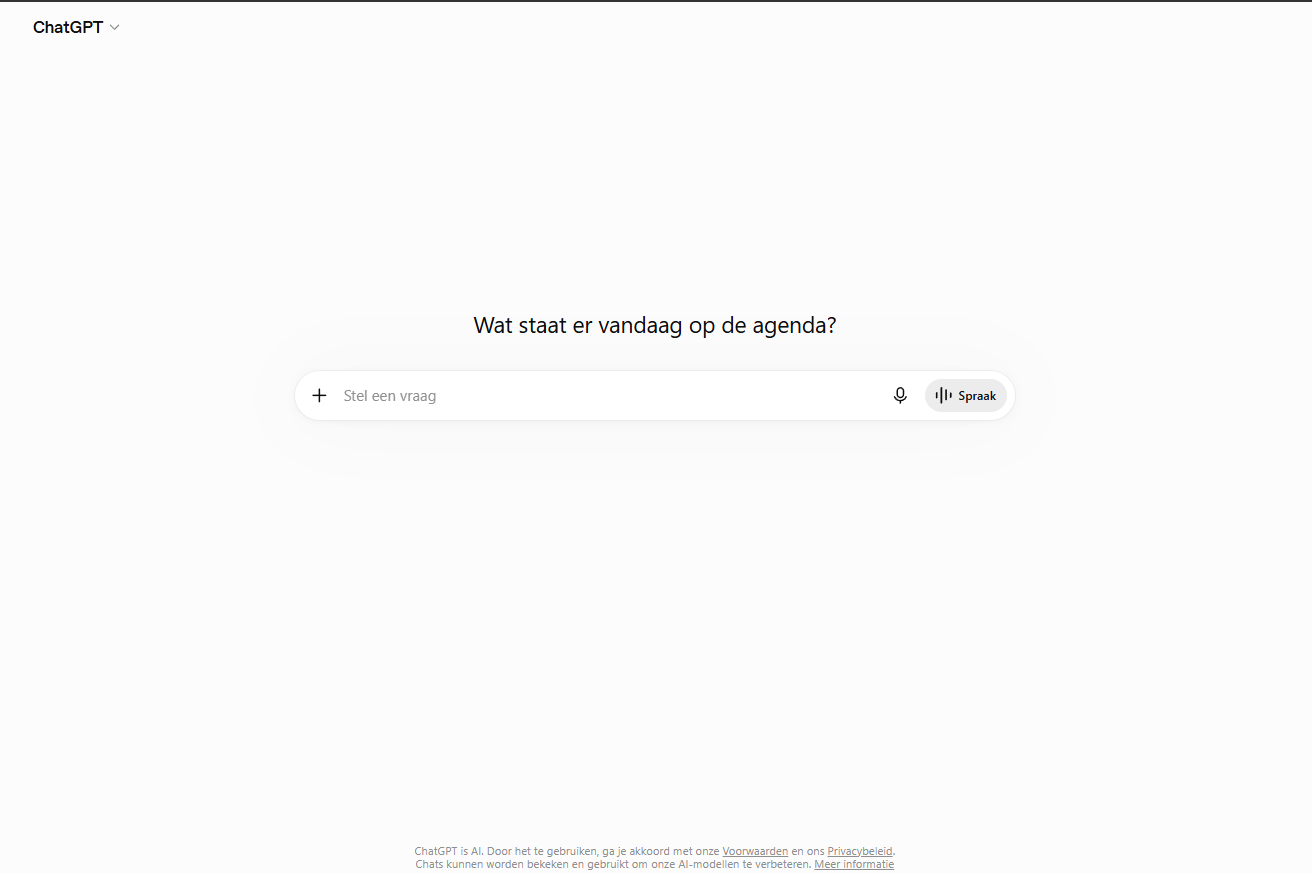
ChatGPT interface
ChatGPT
โœฆ

Main capabilities

Chat assistantVoice modeImage understandingFile analysisCoding helpCustom GPTsWeb search
โ—Ž

Best use cases

  • Writing
  • Brainstorming
  • Coding
  • Study help
  • Marketing
  • Research
  • Productivity
ChatGPT

Is it a good fit?

โ—Ž

Best for

  • Best for students, founders, creators, marketers, analysts, developers and teams that want one AI assistant for daily work, research, writing, files, coding and connected knowledge.

โœ“

Strengths

  • Best fit for broad productivity, research, coding and multimodal work.
  • Consumer users can manage data controls, temporary chats and memory. Business and Enterprise plans have stronger organizational privacy, admin and compliance controls.
  • Help center, community resources and stronger workspace support for business customers. Individual support can still feel less personal than specialist SaaS tools.
!

Limitations

  • Free and Go are useful for testing, but heavier work often needs Plus, Pro, Business or Enterprise.
  • Consumer data controls differ from Business and Enterprise data handling, so check the plan before using sensitive business data.
  • Connectors/apps can depend on plan, admin settings, region and third-party permissions.
Important details

Workflow and access

Platforms
Web iOS Android macOS Windows
Setup time
Quick account setup; business workspace setup depends on admin, SSO and app configuration.
Learning curve
Very easy for basic chat; advanced workflows with apps, agents, custom GPTs and data controls need more setup.
Data training
Business, Enterprise, Edu, Healthcare, Teachers and API data are not used for model training by default. Consumer data controls should be reviewed before sensitive use.
Privacy
Consumer users can manage data controls, temporary chats and memory. Business and Enterprise plans have stronger organizational privacy, admin and compliance controls.

Integrations

Google CalendarMicrosoft TeamsMicrosoft 365Google DriveSlackGmailAsana
Tool Hub

Explore the full Tool Hub

Open the section that matches your question. Detailed data is not repeated on this overview page.

Mats in โ€™t Veld
Reviewed by

Mats in โ€™t Veld

Founder & AI tool reviewer โ€ข Amsterdam, the Netherlands

Mats uses, tests and compares AI tools for ToolLions from Amsterdam.

About Mats and ToolLions