← Home
⇄ ToolLions comparison engine
Reclaim.ai vs Notion AI
Compare pricing, ratings, functions, limits, privacy, pros and cons side by side.
↗
Ready to try one?
Open the official website before you dive into the full table. Always check current pricing and limits.
 8.8
8.8
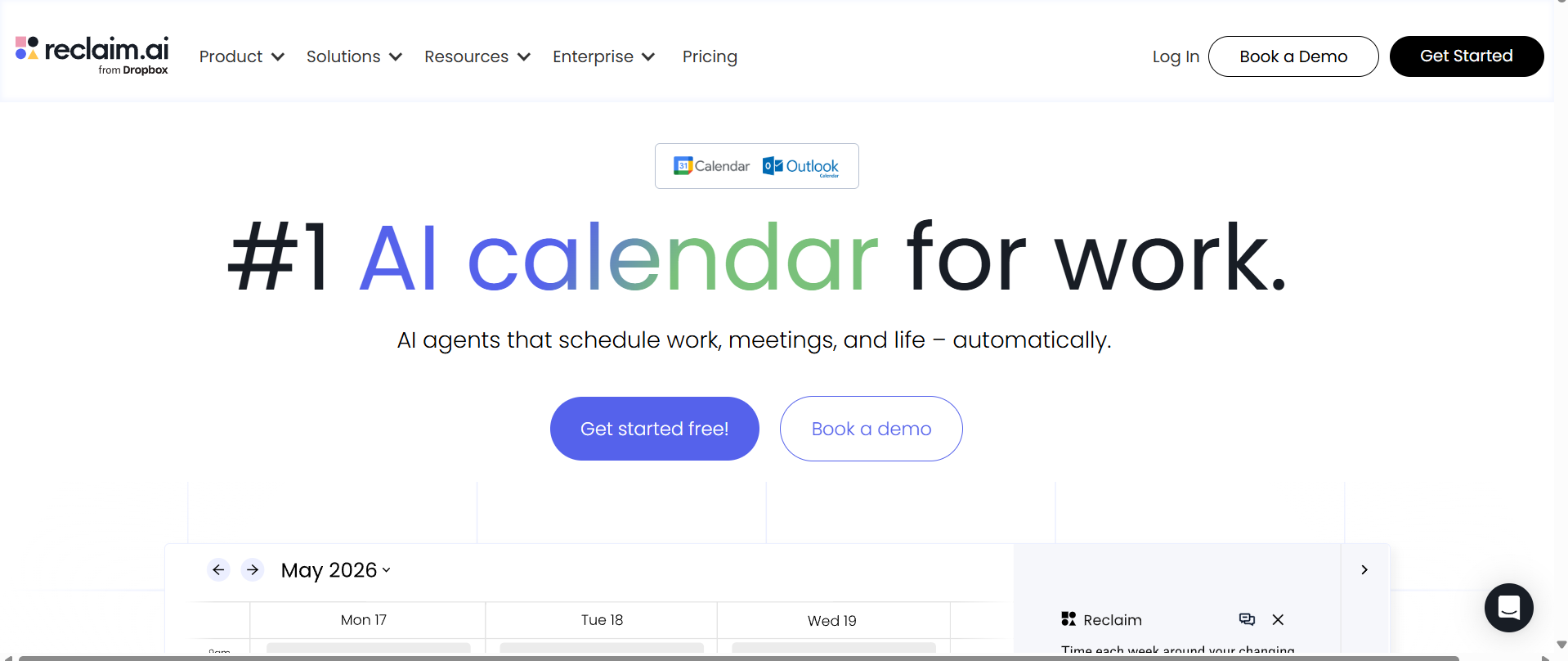
AI calendar assistant for protecting focus time, scheduling tasks, habits, breaks and meetings across Google Calendar and Outlook.
- AI Focus Time
- AI Tasks
- AI Habits
Free plan + paid team plansFree planFree trialAPI#New
8.9
Notion AI helps inside your Notion workspace with summaries, writing, database insights and team knowledge.
- Writing help
- Summaries
- Meeting notes
freemium_usage_subscriptionFree planFree trialAPI#New
🏆Quick verdict
Reclaim.ai fits AI Calendar Scheduling. Notion AI is relevant to compare because both tools share at least one category.
⭐Score overview
Reclaim.ai: 8.8/10 · Notion AI: 8.9/10
Reclaim.ai vs Notion AI
| Factor | | |
|---|
| Rating | No user ratings | No user ratings |
|---|
| Score overview | 8.8/10 | 8.9/10 |
|---|
| Ease of use | 8.7/10 | 9.1/10 |
|---|
| Price/value | 8.8/10 | 8.6/10 |
|---|
| Output quality | 8.8/10 | 8.5/10 |
|---|
| Best for | - Best for knowledge workers
- managers
- startup teams and larger organizations that want AI to defend focus time
- reschedule work automatically and keep calendars realistic without replacing their existing calendar stack.
| |
|---|
| Core features | | - Image generation
- Database
- Notion
- web
|
|---|
| Use cases | - Protect deep work Schedule task work automatically Plan habits and routines Reduce meeting conflicts Share smart scheduling links Sync availability across calendars Improve team capacity planning
| |
|---|
| Platforms | | |
|---|
| Inputs | - Calendar events Tasks Habits Meeting priorities Scheduling links Connected task lists
| |
|---|
| Outputs | - Time-blocked calendar events Focus time blocks Smart meetings Scheduling links Calendar sync copies Analytics dashboards
| |
|---|
| Integrations | - Google Workspace
- Google Calendar
- Microsoft 365
- Zapier
- Slack
- Gmail
- Asana
- Jira
| - Microsoft Teams
- Google Drive
- Notion
- Slack
- Gmail
- Jira
- API
|
|---|
| API | ✅ | ✅ |
|---|
| Mobile app | — | ✅ |
|---|
| Browser extension | — | ✅ |
|---|
| Privacy | 9.2/10 | 9.1/10 |
|---|
| Limitations | - Lite is useful
- but limited to one user team
- one week scheduling range
- one Calendar Sync and one Scheduling Link. Starter and Business are cheaper on annual billing
- monthly prices are higher and Enterprise is not monthly self-serve. Webhooks focus on Scheduling Link events and are available on Business and Enterprise. No native iOS or Android apps were confirmed
- mobile use is through the web. Teams should review OAuth scopes
- DPA
- SSO and SCIM because calendar data is sensitive.
| - Complimentary AI responses are limited and not a recurring full allowance Plus does not unlock full Notion AI Custom Agents cost $10 per 1
- 000 Notion credits Business pricing is per member Connector availability varies Non-Enterprise providers may retain data for up to 30 days Enterprise is required for zero-retention providers Workers are still in beta and pricing dates can change
|
|---|
| Pros | - Strong free Lite plan. Excellent at protecting focus time around meetings. Works with Google Calendar and Outlook Calendar. Useful task integrations with Asana
- Click Up
- Jira
- Linear
- Todoist and Google Tasks. Strong security posture with SOC 2 Type II
- GDPR support
- SSO and SCIM.
| - Deeply integrated with workspace context Strong all-in-one productivity value Full AI included in Business Useful search and meeting features No customer-data training by default Strong enterprise security documentation Mobile and desktop access Broad connector ecosystem
|
|---|
| Cons | - Setup quality matters. No native iOS or Android apps confirmed. Advanced team controls and webhooks need higher plans. Not a full project-management system.
| - Free and Plus only provide trial AI responses Business is required for ongoing full AI Custom Agents use extra credits Per-seat pricing becomes expensive for large teams Some connectors and search features are plan-dependent Enterprise pricing is custom Workers rollout dates differ between official pages AI output still needs verification
|
|---|
💶Pricing comparison that uses the same basis
Free access, payment triggers, real limits and the most suitable plan—without mixing monthly and annual prices.
Comparable paid entryNo reliable price winner: billing period, currency or usage level is not directly comparable.
Free access
Reclaim.aiStart with the free version · Check the current free limits on the official website
Notion AIPermanent free access with the documented limited allowance.
When payment is needed
Notion AINotion AI offers the best value when a team already uses Notion for documents, knowledge, projects and meetings. Free and Plus are suitable for trying AI, not continuous use. Business is the real paid entry for full Notion AI, even though Plus is the cheapest paid Notion workspace plan. Enterprise is appropriate for regulated organizations that need zero-retention providers, audit logs, SCIM and advanced controls.
Credits and limits
Notion AINotion AI is built into Notion rather than sold as a separate standalone workspace. Full ongoing AI access is available on Business and Enterprise; Free and Plus only receive a limited number of complimentary responses for trial use. The product includes Notion Agent, Research Mode, AI Meeting Notes, inline writing and translation, database creation and Autofill, image generation, Enterprise Search and AI Connectors. Custom Agents automate recurring work and use separately purchased Notion credits. Business adds the main AI feature set, premium connections, SAML SSO and granular permissions. Enterprise adds SCIM, audit logs, advanced controls, customer success and zero-retention handling by LLM providers. · Complimentary AI responses are limited and not a recurring full allowance · Plus does not unlock full Notion AI
Likely best-value plan
Notion AI$20 / month · Teams already using Notion for knowledge, projects, documents and meetings that want AI to work directly with their existing context. · Paid access with higher usage and the documented plan features.
Value verdict
Notion AINotion AI offers the best value when a team already uses Notion for documents, knowledge, projects and meetings. Free and Plus are suitable for trying AI, not continuous use. Business is the real paid entry for full Notion AI, even though Plus is the cheapest paid Notion workspace plan. Enterprise is appropriate for regulated organizations that need zero-retention providers, audit logs, SCIM and advanced controls.
🔎Evidence behind this comparison
A concise selection of sourced findings; extra research stays on the individual tool pages.
Reclaim.ai
No sourced findings yet.
Notion AI
Notion AI offers the best value when a team already uses Notion for documents, knowledge, projects and meetings. Free and Plus are suitable for trying AI, not continuous use. Business is the real paid entry for full Notion AI, even though Plus is the cheapest paid Notion workspace plan. Enterprise is appropriate for regulated organizations that need zero-retention providers, audit logs, SCIM and advanced controls.
Current productConfidence: High
Notion AI is built into Notion rather than sold as a separate standalone workspace. Full ongoing AI access is available on Business and Enterprise; Free and Plus only receive a limited number of complimentary responses for trial use. The product includes Notion Agent, Research Mode, AI Meeting Notes, inline writing and translation, database creation and Autofill, image generation, Enterprise Search and AI Connectors. Custom Agents automate recurring work and use separately purchased Notion credits. Business adds the main AI feature set, premium connections, SAML SSO and granular permissions. Enterprise adds SCIM, audit logs, advanced controls, customer success and zero-retention handling by LLM providers.
Notion AI official official documentation ↗Free accessConfidence: High
Permanent free access with the documented limited allowance. Limited complimentary Notion AI responses for trial use; full Notion AI is not included
Notion AI official official documentation ↗UncertaintyNo hands-on practical test was performed. Findings are based on official public sources checked on 14 July 2026.
More relevant comparisons