← Home
⇄ ToolLions comparison engine
Hostinger Horizons vs Cursor
Compare pricing, ratings, functions, limits, privacy, pros and cons side by side.
↗
Ready to try one?
Open the official website before you dive into the full table. Always check current pricing and limits.
 8.3
8.3
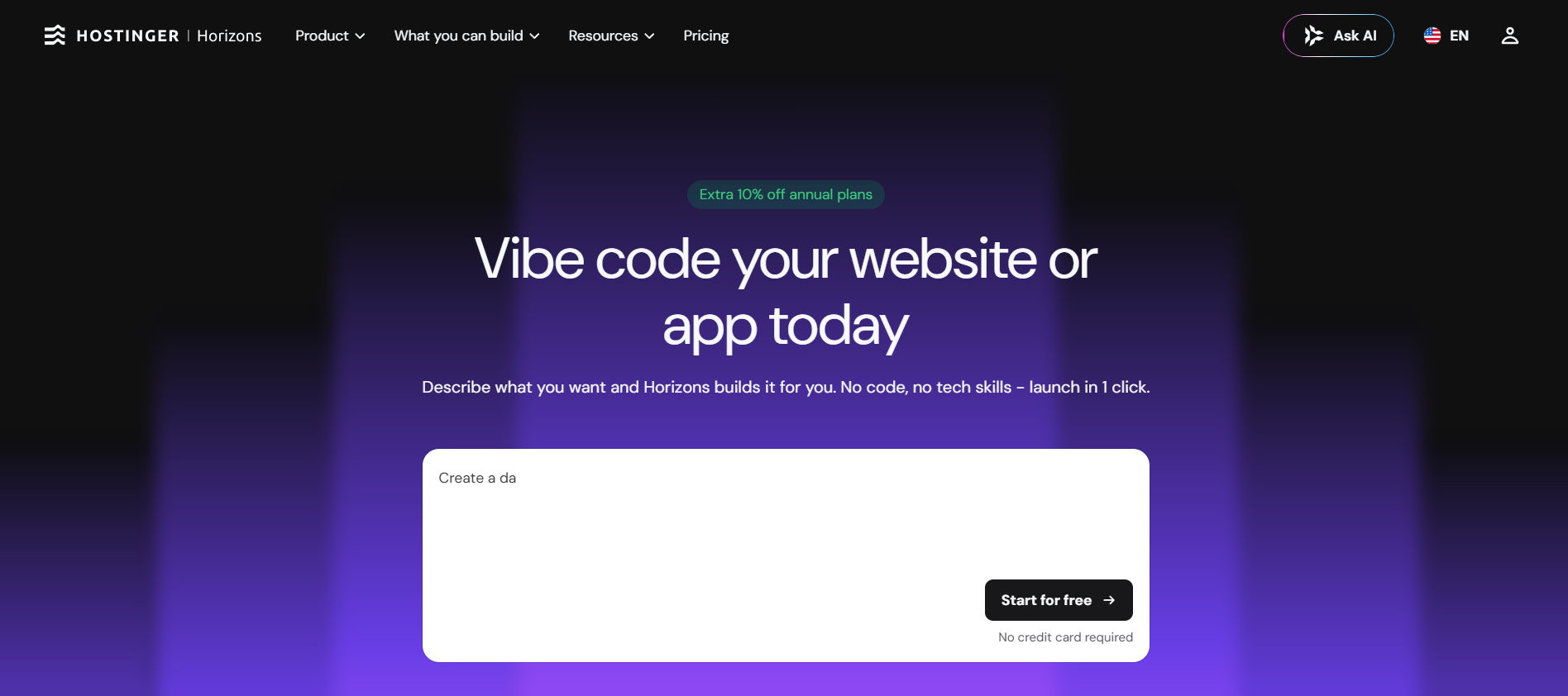
Hostinger Horizons is a no-code AI app builder that turns prompts into hosted websites, web apps, stores and internal tools.
- Prompt-to-app generation
- Integrated backend and data storage
- One-click publishing
Free + paid plansFree planFree trialAPI#New
8.9
Cursor is an AI code editor for searching, editing, refactoring and debugging complete codebases.
- AI code editor
- Repo chat
- Code generation
freemium_usage_subscriptionFree planAPIMobile app#New
🏆Quick verdict
Hostinger Horizons fits AI App Builders. Cursor is relevant to compare because both tools share at least one category.
⭐Score overview
Hostinger Horizons: 8.3/10 · Cursor: 8.9/10
Hostinger Horizons vs Cursor
| Factor | | |
|---|
| Rating | No user ratings | No user ratings |
|---|
| Score overview | 8.3/10 | 8.9/10 |
|---|
| Ease of use | 9.2/10 | 9.0/10 |
|---|
| Price/value | 8.0/10 | 8.3/10 |
|---|
| Output quality | 8.0/10 | 9.1/10 |
|---|
| Best for | - Beginners
- founders and small teams that want one platform for AI building
- hosting
- domains and publishing.
| - Daily AI-assisted coding Agentic repository work Fast code completion Cloud and CLI coding agents Team-governed AI development
|
|---|
| Core features | | - Agentic code editing Fast Tab completion Composer first-party models Frontier model access Cloud agents and automations Cursor CLI Bugbot code review Rules
- skills and hooks MCP server support Git Hub and Git Lab workflows Cursor APIs Team analytics
- privacy mode and SSO
|
|---|
| Use cases | - Customer portals
- Internal tools
- Dashboards
| - Implement features Refactor repositories Generate and debug tests Review pull requests Run coding agents in the cloud Use AI from the terminal Connect databases and tools through MCP Automate repetitive repository tasks Manage AI coding across a team Apply team privacy settings
|
|---|
| Platforms | | |
|---|
| Inputs | - Natural language prompts
- code
| - Implement features Refactor repositories Generate and debug tests Review pull requests Run coding agents in the cloud Use AI from the terminal
|
|---|
| Outputs | - Customer portals
- Hosted web apps
- Internal tools
- Dashboards
- web
| - Agentic code editing Fast Tab completion Composer first-party models Frontier model access Cloud agents and automations Cursor CLI
|
|---|
| Integrations | | - Git Hub Git Lab MCP servers Jet Brains IDEs Cursor CLI Slack alerts Cursor APIs Marketplace plugins
|
|---|
| API | ✅ | ✅ |
|---|
| Mobile app | — | ✅ |
|---|
| Browser extension | — | — |
|---|
| Privacy | 7.7/10 | 8.8/10 |
|---|
| Limitations | - AI credits limit how much you can build and edit A hosting plan is required to keep published apps live FTP
- File Manager
- SFTP and SSH are not supported inside Horizons Exports become static websites and cannot be imported back into Horizons for prompt editing No native iOS or Android app generation Complex apps require careful prompting and testing
| - Hobby has limited Agent and Tab usage Individual usage pools reset monthly On-demand use is billed in arrears First-party pool sizes are not always published as simple numbers Team Standard and Premium use different seat economics Bugbot can add usage charges Taxes are not included Privacy Mode must be configured correctly
|
|---|
| Pros | - Very beginner-friendly Free plan with no card required Hosting and publishing are integrated Affordable entry pricing compared with many app builders Supports Stripe
- Zapier and custom integrations through prompts Code editor and export options exist on supported plans
| - Excellent editor experience Strong agent and completion quality Broad model selection Useful free plan Public APIs and CLI MCP and marketplace support Privacy Mode available to everyone SOC 2 certification
|
|---|
| Cons | - AI credits can run out during heavy iteration Published apps depend on an active hosting plan No native mobile app generation FTP
- SFTP
- SSH and traditional file manager workflows are not supported inside Horizons Exported projects cannot be re-imported for prompt editing Complex apps still need QA and technical judgement
| - Usage pricing is complex Frontier-model use can exceed the subscription Ultra costs $200 per month Team Premium is expensive Taxes are excluded No hard request count for many pools Generated code needs review Enterprise pricing is custom
|
|---|
💶Pricing comparison that uses the same basis
Free access, payment triggers, real limits and the most suitable plan—without mixing monthly and annual prices.
Comparable paid entryNo reliable price winner: billing period, currency or usage level is not directly comparable.
Free access
Hostinger HorizonsStart with the free version · Check the current free limits on the official website
CursorPermanent free access with the documented limited allowance.
When payment is needed
CursorCursor is one of the strongest AI coding environments for developers who want high-quality completion and agent workflows inside a familiar editor. Pro suits most individuals, Pro+ fits daily agent users and Ultra targets power users. Teams Standard is the normal collaboration plan; Premium improves predictability for heavy users. The main drawback is that actual cost depends on model choice and usage.
Credits and limits
CursorCursor combines a desktop code editor with autonomous Agent workflows, Tab completion, first-party Composer models, frontier models, cloud agents, CLI, Bugbot code review, rules, skills, hooks, MCP servers and APIs. The current lineup includes a free Hobby plan, Pro, Pro+, Ultra, two Teams seat tiers and Enterprise. Individual plans use two monthly pools: a first-party pool for Auto and Composer, plus API-priced usage for selected frontier models. On-demand usage can continue after the included amount and is billed in arrears. Team plans add administration, analytics, marketplace controls, privacy mode and SSO. · Hobby has limited Agent and Tab usage · Individual usage pools reset monthly
Likely best-value plan
Cursor$60 / month · Individual developers, startups and engineering teams that want a mature AI-native editor with agents, CLI, cloud workflows and governance. · Paid access with higher usage and the documented plan features.
Value verdict
CursorCursor is one of the strongest AI coding environments for developers who want high-quality completion and agent workflows inside a familiar editor. Pro suits most individuals, Pro+ fits daily agent users and Ultra targets power users. Teams Standard is the normal collaboration plan; Premium improves predictability for heavy users. The main drawback is that actual cost depends on model choice and usage.
🔎Evidence behind this comparison
A concise selection of sourced findings; extra research stays on the individual tool pages.
Hostinger Horizons
No sourced findings yet.
Cursor
Cursor is one of the strongest AI coding environments for developers who want high-quality completion and agent workflows inside a familiar editor. Pro suits most individuals, Pro+ fits daily agent users and Ultra targets power users. Teams Standard is the normal collaboration plan; Premium improves predictability for heavy users. The main drawback is that actual cost depends on model choice and usage.
Current productConfidence: High
Cursor combines a desktop code editor with autonomous Agent workflows, Tab completion, first-party Composer models, frontier models, cloud agents, CLI, Bugbot code review, rules, skills, hooks, MCP servers and APIs. The current lineup includes a free Hobby plan, Pro, Pro+, Ultra, two Teams seat tiers and Enterprise. Individual plans use two monthly pools: a first-party pool for Auto and Composer, plus API-priced usage for selected frontier models. On-demand usage can continue after the included amount and is billed in arrears. Team plans add administration, analytics, marketplace controls, privacy mode and SSO.
Cursor official official documentation ↗Official pricingConfidence: High
Free | $20/month | $60/month | $200/month | $40/user/month or $32 annually | $120/user/month or $96 annually | Custom
Cursor official official pricing ↗Free accessConfidence: High
Permanent free access with the documented limited allowance. Limited Agent requests and limited Tab completions
Cursor official official pricing ↗UncertaintyNo hands-on practical test was performed. Findings are based on official public sources checked on 14 July 2026.
More relevant comparisons