← Home
⇄ ToolLions comparison engine
Copy.ai vs Claude
Compare pricing, ratings, functions, limits, privacy, pros and cons side by side.
↗
Ready to try one?
Open the official website before you dive into the full table. Always check current pricing and limits.
 8.3
8.3
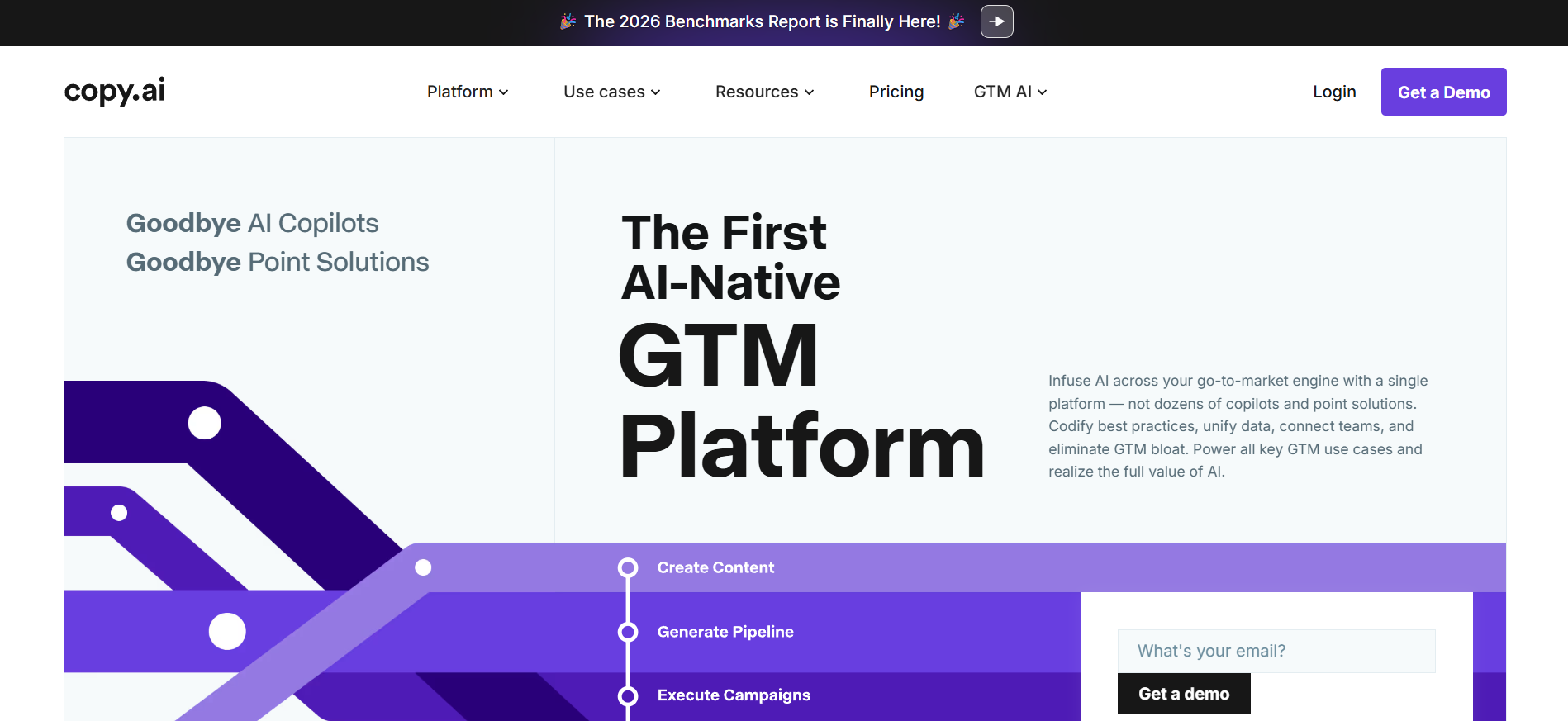
Copy.ai helps with sales emails, ad copy, blog ideas and workflows for content and sales teams.
- Copy generation
- Sales workflows
- Email drafts
Free plan + paid GTM AI workflow plansFree planFree trialAPI#New
9.0
Claude is strong for long documents, business writing, analysis and reasoning with large context.
- Long document analysis
- Business writing
- Reasoning
Free plan + paid Claude plans + separate API billingFree planAPIMobile app#New
🏆Quick verdict
Copy.ai fits AI Workflow Automation. Claude is relevant to compare because both tools share at least one category.
⭐Score overview
Copy.ai: 8.3/10 · Claude: 9.0/10
Copy.ai vs Claude
| Factor | | |
|---|
| Rating | No user ratings | No user ratings |
|---|
| Score overview | 8.3/10 | 9.0/10 |
|---|
| Ease of use | 8.1/10 | 9.1/10 |
|---|
| Price/value | 7.4/10 | 8.1/10 |
|---|
| Output quality | 8.4/10 | 9.5/10 |
|---|
| Best for | - Best for sales
- marketing and operations teams that want to standardize repeatable GTM work such as account research
- outbound personalization
- content production
- translation
- CRM enrichment and sales collateral creation.
| - Best for individuals
- developers
- researchers
- writers
- students and teams that need advanced reasoning
- coding
- document work and connected knowledge workflows.
|
|---|
| Core features | - AI Chat Brand Voice Infobase Tables Actions Customizable Workflows Workflow Builder Copy Agents Workflow credits API access Webhooks Bulk workflow runs Zapier integration 2
- 000+ app connections through Zapier GTM systems integrations 25+ content languages 90+ content types and free tools
| |
|---|
| Use cases | - Account planning Inbound lead processing CRM enrichment Outbound personalization Sales collateral creation SEO content workflows Thought leadership drafting Translation and localization GTM systems integration Deal coaching and forecasting
| - Writing Coding Research Document analysis Data analysis Study help Enterprise search API development
|
|---|
| Platforms | | |
|---|
| Inputs | - Prompts Brand Voice Infobase Tables Workflow inputs CRM/account data Website research
| - Writing Coding Research Document analysis Data analysis Study help Enterprise search API development
|
|---|
| Outputs | | |
|---|
| Integrations | - Microsoft Teams
- Google Docs
- Salesforce
- Notion
- Zapier
- OpenAI
- Slack
- Email
- API
| - Google Workspace
- Google Calendar
- Microsoft 365
- Google Drive
- Google Docs
- Notion
- Slack
- Gmail
- Asana
|
|---|
| API | ✅ | ✅ |
|---|
| Mobile app | — | ✅ |
|---|
| Browser extension | — | ✅ |
|---|
| Privacy | 8.8/10 | 9.0/10 |
|---|
| Limitations | - Free plan information appears alongside older wording such as 2
- 000 free words per month
- pricing should be checked before import. Workflow credits are variable and depend on run complexity. Make integration was not confirmed as a direct official option
- so it is set to false. Export is not set to true because a dedicated export feature was not clearly confirmed in official pages reviewed. The platform is strongest for GTM teams
- not general-purpose coding
- image generation or project management.
| - Usage limits vary by plan
- model and conversation complexity. API access requires separate Claude Console billing. Some connectors and Chrome features can be beta or plan-limited. SSO
- SCIM and custom retention require Team or Enterprise setup. Outputs still need human review.
|
|---|
| Pros | - Much deeper than a basic AI writer when used for workflows. Strong fit for sales
- marketing and operations teams. Good workflow/API/webhook foundation for GTM automation. Brand Voice and Infobase help keep outputs more consistent. Solid enterprise security messaging with SOC 2
- GDPR and SSO-ready positioning.
| - Excellent reasoning and writing quality. Strong coding
- file and artifact workflows. Available across web
- desktop
- mobile and Chrome. Good connector ecosystem through MCP and official integrations. Strong commercial security posture.
|
|---|
| Cons | - Workflow pricing is less predictable than simple per-seat pricing. The best value requires setup work and process design. Growth and larger plans are expensive for small teams. No confirmed native mobile app
- desktop app or browser extension for the core platform. Some integration claims are broad and may require API
- Zapier or custom setup rather than simple native one-click connectors.
| - Usage limits can be hard to predict. API usage is billed separately. Heavy plans can become expensive. Some features vary by plan
- region or beta access. Connectors need careful permission review.
|
|---|
💶Pricing comparison that uses the same basis
Free access, payment triggers, real limits and the most suitable plan—without mixing monthly and annual prices.
Comparable paid entryNo reliable price winner: billing period, currency or usage level is not directly comparable.
Free access
Copy.aiStart with the free version · Check the current free limits on the official website
ClaudeStart with the free version · Check the current free limits on the official website
More relevant comparisons