← Home
⇄ ToolLions comparison engine
Blink vs Wix AI
Compare pricing, ratings, functions, limits, privacy, pros and cons side by side.
↗
Ready to try one?
Open the official website before you dive into the full table. Always check current pricing and limits.
 8.4
8.4
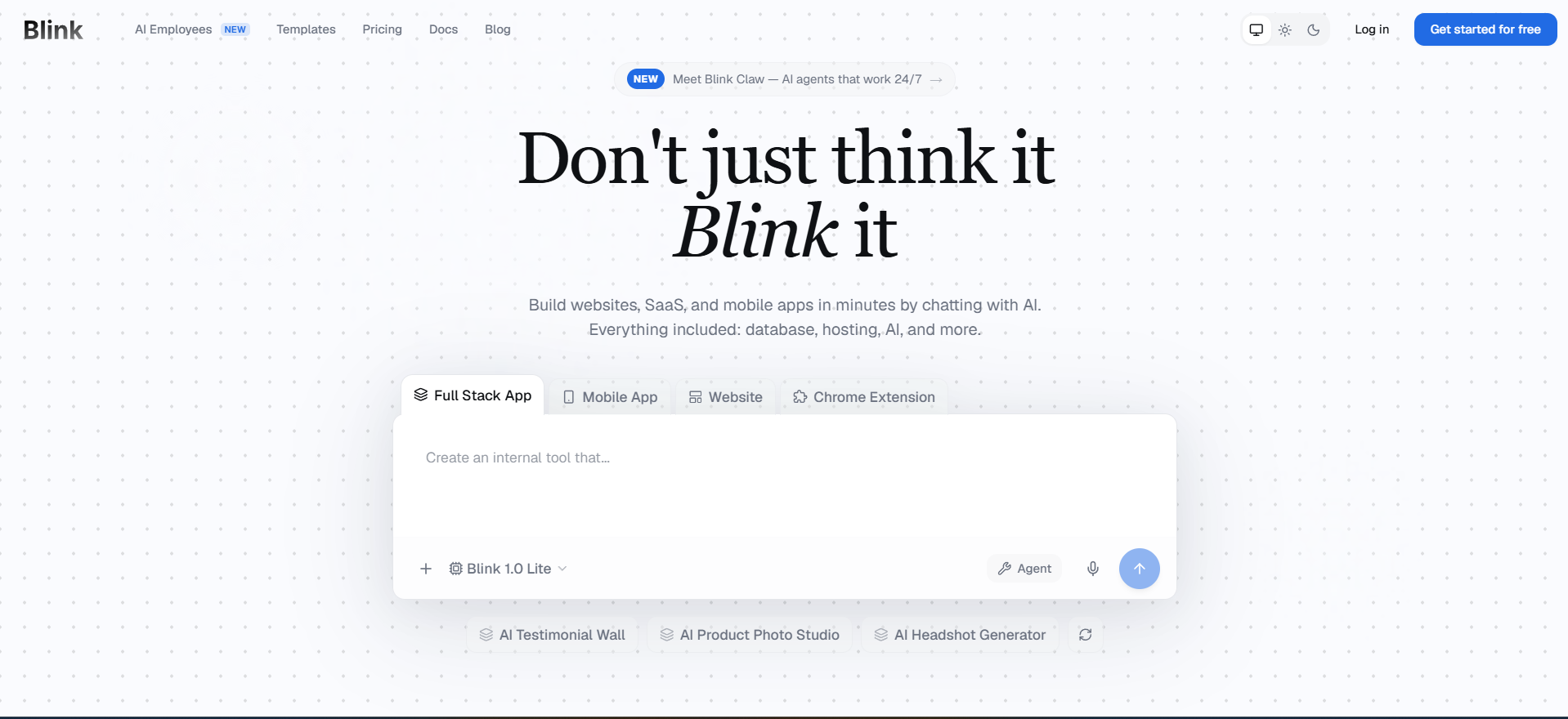
Blink is an AI full-stack app builder that turns natural-language prompts into hosted apps, SaaS products, dashboards, internal tools and mobile-ready experiences with database, authentication, payments, APIs and deployment included.
- Prompt-to-app generation with hosted preview
- Built-in database
- authentication
Free + paid plansFree planAPIMobile app#New
 8.7
8.7
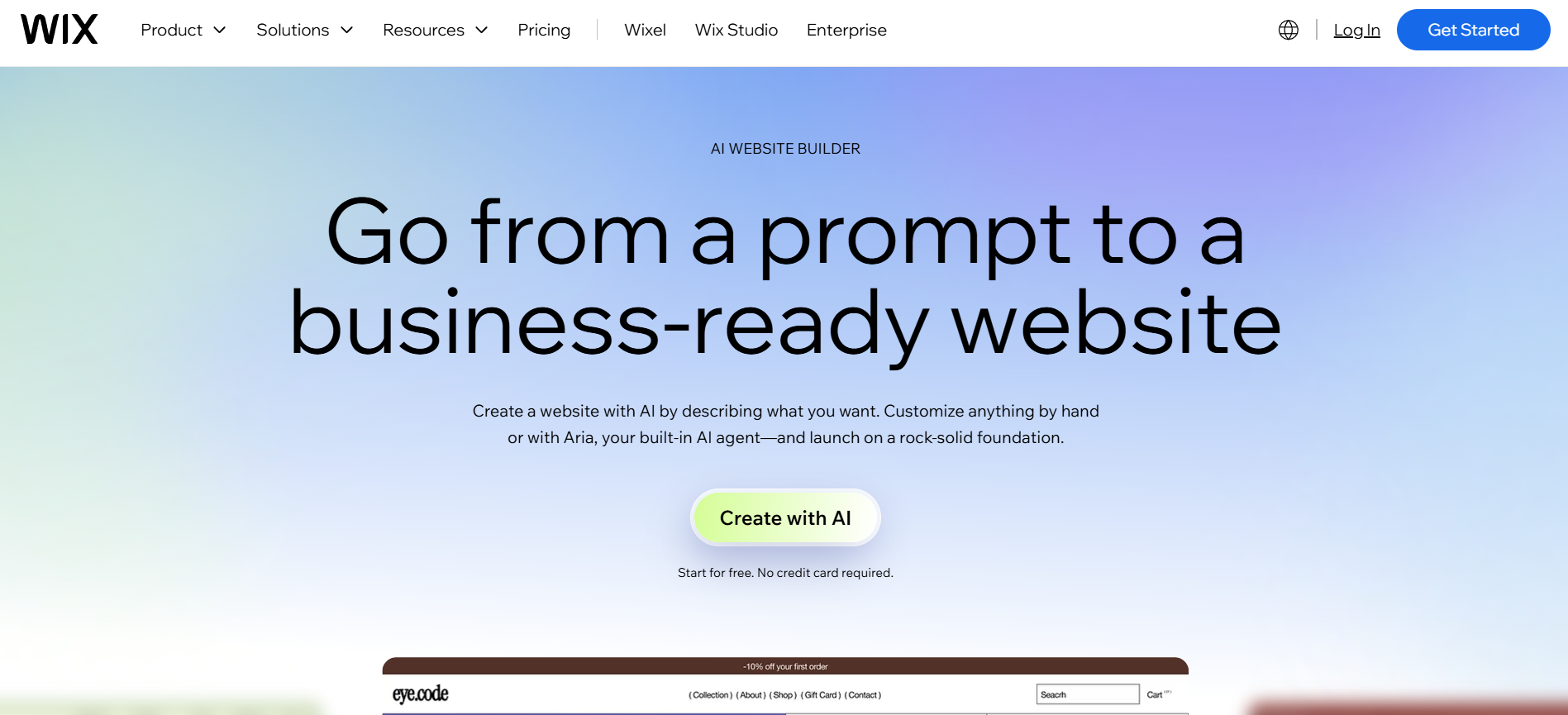
AI website builder inside Wix for creating business-ready websites from prompts and refining them with drag-and-drop editing.
- AI website builder
- Prompt-to-site creation
- Drag-and-drop editor
Free plan + paid website and business plansFree planAPIMobile app#New
🏆Quick verdict
Blink fits AI App Builders. Wix AI is relevant to compare because both tools share at least one category.
⭐Score overview
Blink: 8.4/10 · Wix AI: 8.7/10
Blink vs Wix AI
| Factor | | |
|---|
| Rating | No user ratings | No user ratings |
|---|
| Score overview | 8.4/10 | 8.7/10 |
|---|
| Ease of use | 9.1/10 | 9.1/10 |
|---|
| Price/value | 8.0/10 | 8.0/10 |
|---|
| Output quality | 8.4/10 | 8.3/10 |
|---|
| Best for | - Best for founders
- agencies and product teams that want to turn prompts into working full-stack apps quickly.
| - Best for small businesses
- creators
- local services
- restaurants
- consultants
- events
- ecommerce starters and teams that want to build without a developer.
|
|---|
| Core features | - Prompt-to-app generation with hosted preview Built-in database
- authentication
- APIs and file storage Stripe payments and subscription flows Git Hub export and two-way sync on supported plans Mobile app and Chrome extension build paths Templates
- tutorials and production hosting
| |
|---|
| Use cases | | - Small business website Service business website Restaurant website Portfolio Consultant website Event website Online store Booking website Blog Local landing page
|
|---|
| Platforms | | - Web Wix mobile apps Hosted website platform Developer platform
|
|---|
| Inputs | - Natural language prompts Existing Git Hub repositories ZIP imports Feature descriptions
| - Small business website Service business website Restaurant website Portfolio Consultant website Event website Online store Booking website Blog Local landing page
|
|---|
| Outputs | - Hosted web apps
- Internal tools
- Dashboards
- web
| |
|---|
| Integrations | - Google Calendar
- Google Sheets
- Google Drive
- Google Docs
- Salesforce
- Airtable
- Discord
- Shopify
- Notion
| - Wix App Market Wix Editor Wix Studio Wix Mobile Apps Velo Wix APIs Wix Webhooks Wix MCP Wix Stores Wix Bookings Wix Events Wix Forms Wix Payments Wix Blog Wix CMS Wix Marketing & SEO
|
|---|
| API | ✅ | ✅ |
|---|
| Mobile app | ✅ | ✅ |
|---|
| Browser extension | ✅ | — |
|---|
| Privacy | 7.8/10 | 8.7/10 |
|---|
| Limitations | - Free plan is useful for testing but not for heavy building Some public Blink pages describe free credits differently
- so current limits should be checked before relying on them Zapier
- Make
- Microsoft 365
- SSO and SOC 2 are not marked as confirmed options in this import Mobile app and browser extension support refers to apps/extensions Blink can build
- not a separate Blink editor app or browser extension
| - Free sites use Wix branding and a Wixsite domain. AI credit limits should be checked on the current Wix upgrade page. Some business features require a paid plan. Core
- Business and Business Elite fit payments and ecommerce better than Light. Wix is strongest for hosted websites
- not full code ownership.
|
|---|
| Pros | - Creates more than just frontend screens Hosting
- SSL
- database and authentication are included Large integration catalog with common SaaS tools Code ownership and Git Hub export reduce lock-in Good fit for non-technical builders who can describe workflows clearly
| - Very easy for non-technical users. AI generation and visual editing are in one workflow. Large template ecosystem and built-in hosting. Bookings
- payments
- ecommerce and marketing are available. Developer options exist through Velo
- APIs
- webhooks and MCP.
|
|---|
| Cons | - Credit usage can be hard to predict before you build Serious production apps still need human QA and security review SOC 2 certification was not completed at last check Team plans have a minimum paid-seat requirement Generated code may need developer cleanup for complex custom logic
| |
|---|
💶Pricing comparison that uses the same basis
Free access, payment triggers, real limits and the most suitable plan—without mixing monthly and annual prices.
Comparable paid entryNo reliable price winner: billing period, currency or usage level is not directly comparable.
Free access
BlinkStart with the free version · Daily refresh credits with a monthly cap; check official limits
Wix AIStart with the free version · Check the current free limits on the official website
More relevant comparisons