← Home
⇄ ToolLions comparison engine
Base44 vs Blink
Compare pricing, ratings, functions, limits, privacy, pros and cons side by side.
↗
Ready to try one?
Open the official website before you dive into the full table. Always check current pricing and limits.
 8.2
8.2
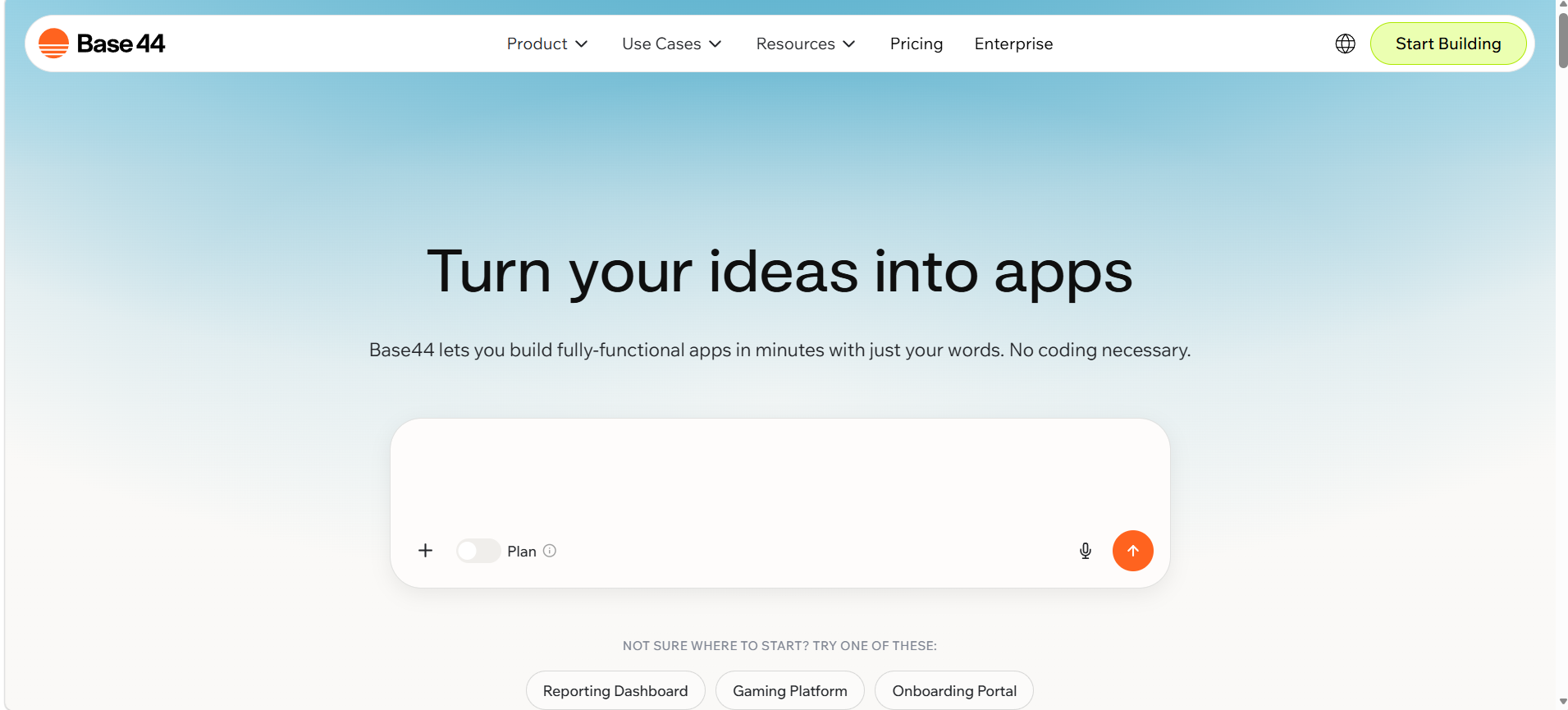
Base44 is a no-code AI app builder for creating web apps, websites, internal tools and AI agents from prompts.
- AI app generation from prompts
- Hosted web apps and websites
- Built-in database and authentication
Free plan + paid plansFree planAPIMobile app#New
 8.4
8.4
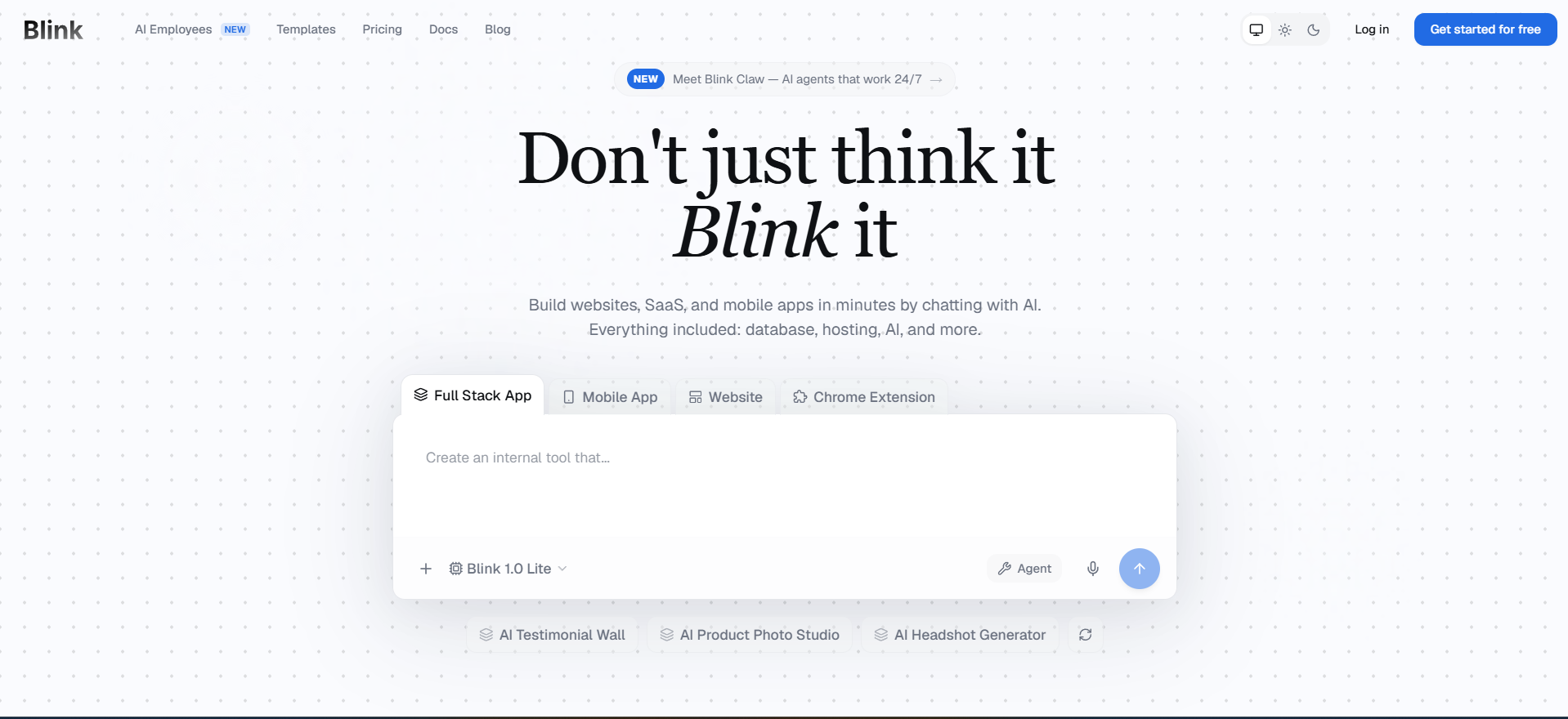
Blink is an AI full-stack app builder that turns natural-language prompts into hosted apps, SaaS products, dashboards, internal tools and mobile-ready experiences with database, authentication, payments, APIs and deployment included.
- Prompt-to-app generation with hosted preview
- Built-in database
- authentication
Free + paid plansFree planAPIMobile app#New
🏆Quick verdict
Base44 fits AI Agents. Blink is relevant to compare because both tools share at least one category.
⭐Score overview
Base44: 8.2/10 · Blink: 8.4/10
Base44 vs Blink
| Factor | | |
|---|
| Rating | No user ratings | No user ratings |
|---|
| Score overview | 8.2/10 | 8.4/10 |
|---|
| Ease of use | 9.1/10 | 9.1/10 |
|---|
| Price/value | 7.2/10 | 8.0/10 |
|---|
| Output quality | 8.1/10 | 8.4/10 |
|---|
| Best for | - Base44 is best for founders
- agencies and teams that want to generate full-stack apps
- portals
- dashboards or internal tools from prompts and publish them quickly.
| - Best for founders
- agencies and product teams that want to turn prompts into working full-stack apps quickly.
|
|---|
| Core features | - Hosted web apps
- authentication
- database
- web
| - Prompt-to-app generation with hosted preview Built-in database
- authentication
- APIs and file storage Stripe payments and subscription flows Git Hub export and two-way sync on supported plans Mobile app and Chrome extension build paths Templates
- tutorials and production hosting
|
|---|
| Use cases | - Internal tools
- Dashboards
- CRM
| |
|---|
| Platforms | - Mobile browser
- Android app
- iOS app
- Web
| |
|---|
| Inputs | - Workflow descriptions
- App requirements
| - Natural language prompts Existing Git Hub repositories ZIP imports Feature descriptions
|
|---|
| Outputs | - Customer portals
- Hosted web apps
- Internal tools
- web
| - Hosted web apps
- Internal tools
- Dashboards
- web
|
|---|
| Integrations | - Google Calendar
- Microsoft Teams
- Google Sheets
- Google Slides
- Google Drive
- Google Docs
- Salesforce
- Airtable
- Discord
| - Google Calendar
- Google Sheets
- Google Drive
- Google Docs
- Salesforce
- Airtable
- Discord
- Shopify
- Notion
|
|---|
| API | ✅ | ✅ |
|---|
| Mobile app | ✅ | ✅ |
|---|
| Browser extension | — | ✅ |
|---|
| Privacy | 8.6/10 | 7.8/10 |
|---|
| Limitations | - Free is for testing: only 25 message credits/month
- 100 integration credits/month and 5 apps. Connectors
- backend functions
- custom APIs
- MCP
- Zapier
- ZIP/Git Hub export and app-store files require Builder or higher. Credits are usage-based and vary by action/model
- so heavy iteration can cost more than the headline price suggests. Generated apps still need QA
- permission rules
| - Free plan is useful for testing but not for heavy building Some public Blink pages describe free credits differently
- so current limits should be checked before relying on them Zapier
- Make
- Microsoft 365
- SSO and SOC 2 are not marked as confirmed options in this import Mobile app and browser extension support refers to apps/extensions Blink can build
- not a separate Blink editor app or browser extension
|
|---|
| Pros | - Free plan with core features Strong all-in-one app building workflow Large connector catalog Templates speed up first builds Export and Git Hub sync on supported plans Strong security and compliance documentation
| - Creates more than just frontend screens Hosting
- SSL
- database and authentication are included Large integration catalog with common SaaS tools Code ownership and Git Hub export reduce lock-in Good fit for non-technical builders who can describe workflows clearly
|
|---|
| Cons | - Free credits are limited Many advanced features require Builder or higher App-store submission still requires Apple and Google developer accounts Credit usage can be hard to estimate before testing Not open source
| - Credit usage can be hard to predict before you build Serious production apps still need human QA and security review SOC 2 certification was not completed at last check Team plans have a minimum paid-seat requirement Generated code may need developer cleanup for complex custom logic
|
|---|
💶Pricing comparison that uses the same basis
Free access, payment triggers, real limits and the most suitable plan—without mixing monthly and annual prices.
Comparable paid entryNo reliable price winner: billing period, currency or usage level is not directly comparable.
Free access
Base44Start with the free version · Check the current free limits on the official website
BlinkStart with the free version · Daily refresh credits with a monthly cap; check official limits
More relevant comparisons