Bolt.new turns a plain-language brief into a hosted full-stack website, web app or Expo project with editable code, databases, authentication and integrations.
v0 by Vercel turns prompts, screenshots, Figma files and repositories into production-ready full-stack web apps with editable code, Git branches and one-click deployment.
Windsurf, now delivered as Devin Desktop, is an agentic code editor with local and cloud coding agents, repository context, MCP tools, workflows and enterprise controls.
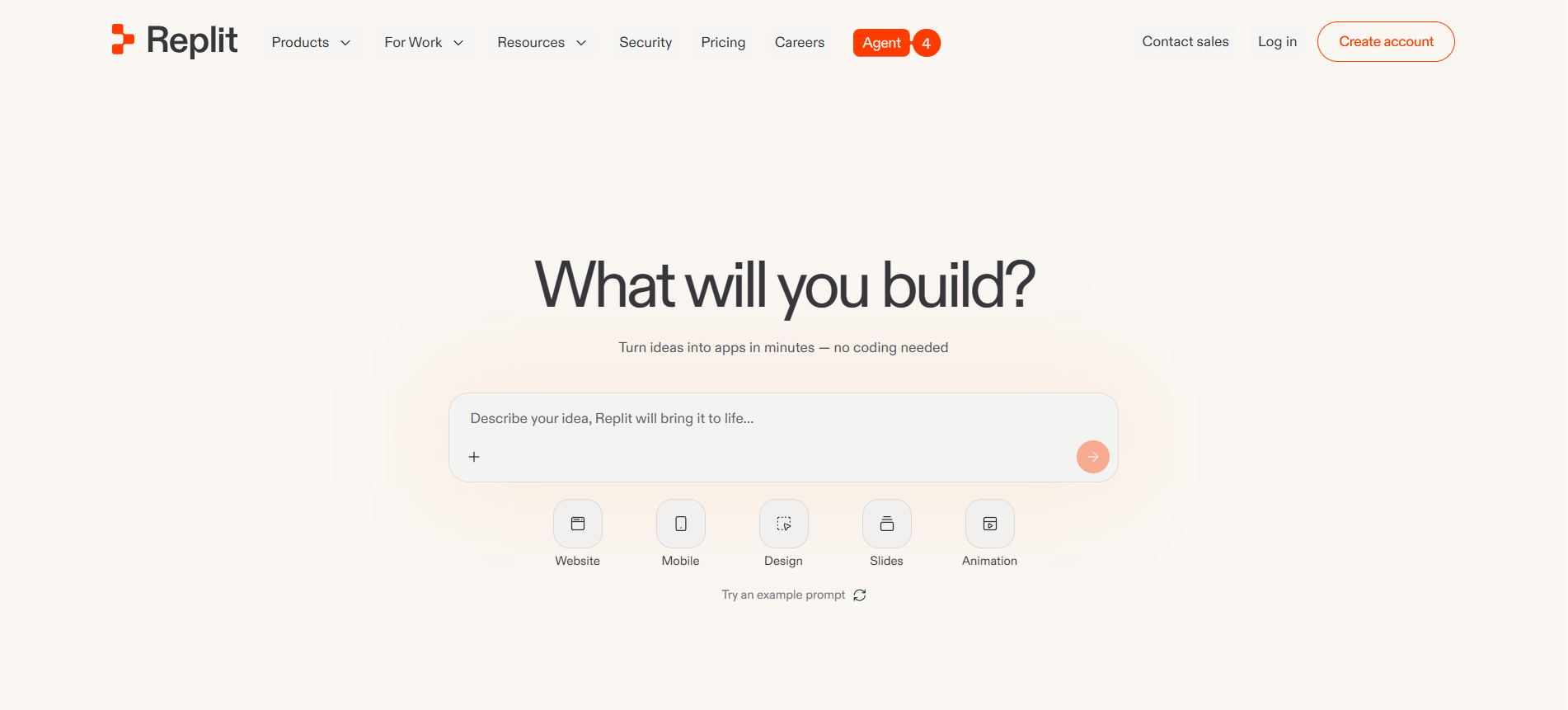
Replit is an AI-powered cloud development platform for building, editing, collaborating on and publishing apps from a browser, mobile app or desktop app.
This category page is built for users who already know the task they want to solve. Instead of browsing a huge generic directory, you can compare tools that fit one clear workflow.
Check the ToolLions Score, user rating, main features, platform support, API options, limits and alternatives before you click through to a provider.
How to choose
Choose a tool that matches your actual daily workflow, not only the highest rating.
Look at free limits, export options, API access, privacy and team features.
Use a relevant comparison page when two tools solve the same problem.
Category FAQ
How do I choose the right tool in this category?
Choose a tool that matches your actual daily workflow, not only the highest rating. Look at free limits, export options, API access, privacy and team features.
Should I pick the highest rated tool?
Not always. A lower rated tool can be better when it fits your workflow, budget, privacy needs or integrations.
Can I compare tools in this category?
Yes. Every pair in this category gets an automatic comparison page.