Overview AI App Builders

Replit

Replit is an AI-powered cloud development platform for building, editing, collaborating on and publishing apps from a browser, mobile app or desktop app.

Current verified information

What is Replit?

Replit combines an online IDE, Replit Agent, managed hosting, databases, storage, authentication, connectors and deployment tools. It is stronger than a pure no-code builder because you can inspect and edit the underlying code, use Git, connect real services and publish working apps.

The platform is especially useful for rapid prototypes, internal tools, learning projects and early SaaS experiments. Its Agent can start from a prompt, refine an app, debug issues, add integrations and publish the result. Paid plans add more credits, collaboration, connectors and production controls.

The main trade-off is predictability. Agent usage is credit-based and more complex tasks can cost more credits. Replit is also not a replacement for engineering review: AI-generated apps still need checks for security, authentication, database design, error handling and privacy before serious production use.

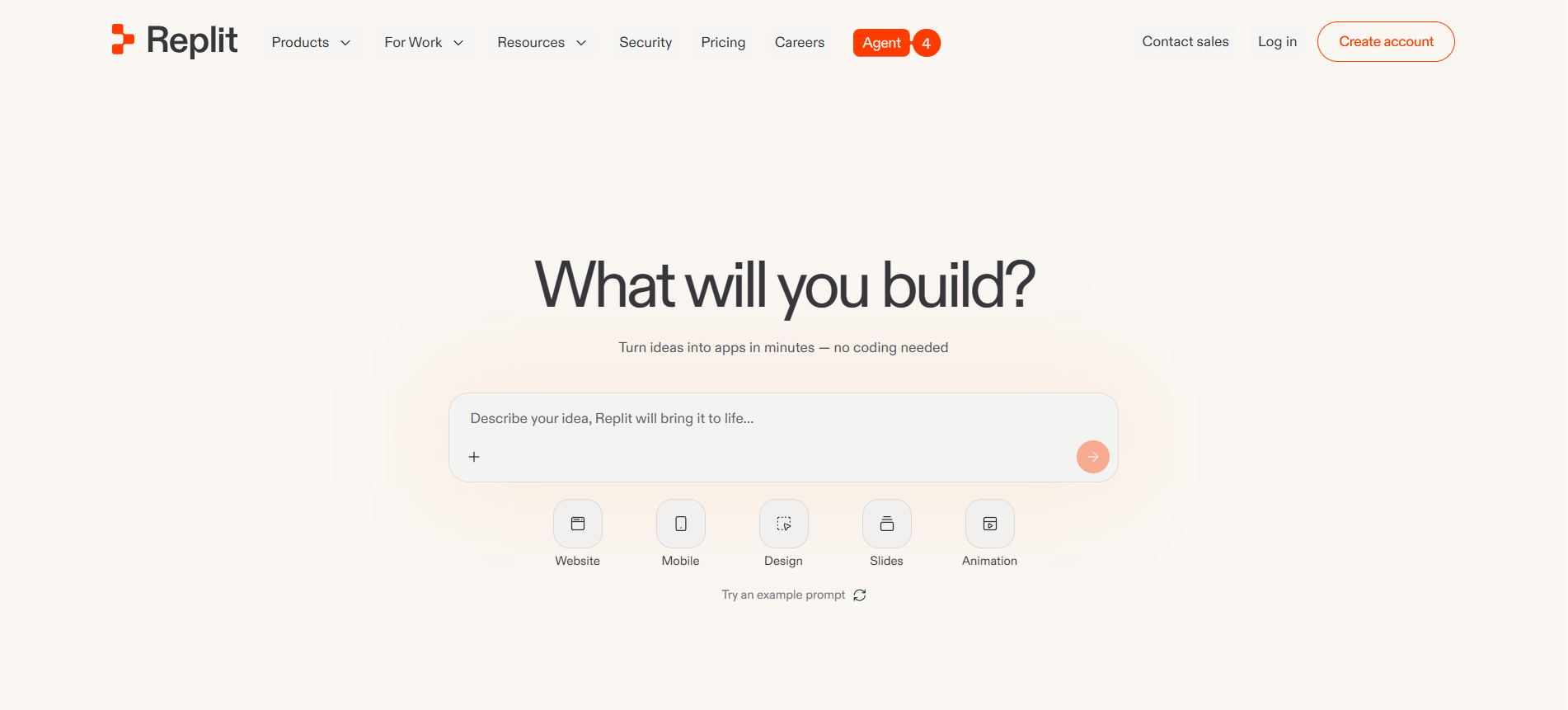
Replit interface
Replit
โœฆ

Main capabilities

  • Prompt-to-app building with Replit Agent
  • Browser IDE with code editing
  • Managed publishing and hosting
  • Built-in database
  • storage
  • auth and domains
  • Large connector catalog
  • Git and GitHub workflows
  • Mobile and desktop apps
  • Team collaboration on paid plans
โ—Ž

Best use cases

  • Build MVPs
  • Create internal tools
  • Prototype AI apps
  • Teach programming
  • Publish simple SaaS apps
  • Build automations
  • Create dashboards
  • Experiment with APIs
Replit

Is it a good fit?

โœ“

Strengths

  • Very fast from idea to running app
  • Real code remains accessible
  • Built-in publishing, database, storage and auth

!

Limitations

  • Credit usage can be hard to predict
  • Most external connectors require Core or higher
  • Generated code still needs review before production
Important details

Workflow and access

Platforms
Web browser iOS app Android app Desktop app Cloud workspace
Setup time
A first prototype can often be started in minutes from a prompt; production setup takes longer because auth, database, security and deployment details need review.
Learning curve
Beginner-friendly for simple prompt-to-app work, but more technical than pure visual builders when you need to debug code or scale production apps.
Data training
Review Replit privacy, DPA and AI terms before using sensitive data
Privacy
SOC 2 Type II, DPA / GDPR references, SAML SSO on Enterprise, Private deployments, Security center and shared responsibility model

Integrations

Google CalendarGoogle SheetsGoogle SlidesGoogle DriveGoogle DocsSalesforceAirtableDatabaseShopifyNotionStripeOpenAIResendTwilioSlackGmailAsana
Tool Hub

Explore the full Tool Hub

Open the section that matches your question. Detailed data is not repeated on this overview page.

Mats in โ€™t Veld
Reviewed by

Mats in โ€™t Veld

Founder & AI tool reviewer โ€ข Amsterdam, the Netherlands

Mats uses, tests and compares AI tools for ToolLions from Amsterdam.

About Mats and ToolLions