Overview AI Meeting Assistants

MeetGeek

AI meeting assistant for recording, transcribing, summarizing, searching and automating follow-up across Zoom, Google Meet, Microsoft Teams and offline conversations.

Current verified information

What is MeetGeek?

MeetGeek is an AI meeting assistant for teams that want reliable meeting notes without manual note-taking. It can join Zoom, Google Meet and Microsoft Teams calls automatically, but also supports no-bot capture through mobile apps, a Chrome extension, a desktop app and file uploads.

The strong point is that MeetGeek combines notes with workflow automation. It creates transcripts, AI summaries, action items, highlights, searchable meeting history, AI Chat, meeting templates, analytics, clips and integrations with tools such as Slack, Notion, HubSpot, Salesforce, Jira, Google Drive, Zapier, Make, n8n, REST API, webhooks and MCP.

The main watch-out is rollout quality. Teams should configure consent notifications, join rules, sharing rules, retention and integrations before using it for customer calls, interviews or sensitive internal meetings.

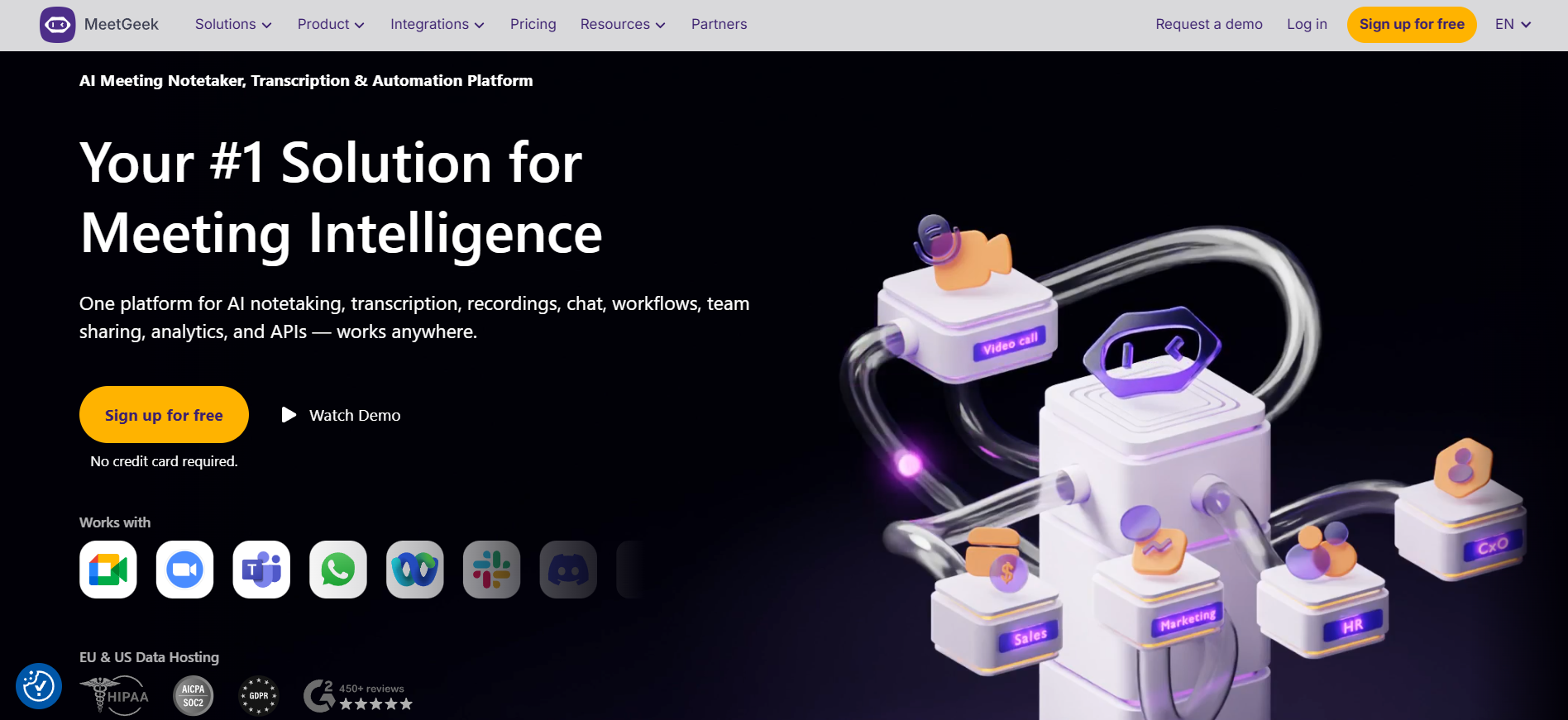
MeetGeek interface
MeetGeek
โœฆ

Main capabilities

  • AI meeting recording
  • Transcription in 100+ languages
  • Automatic language detection
  • AI summaries
  • Action items and next steps
  • AI Chat across meetings
  • Meeting templates
  • Meeting analytics
  • Team spaces
  • Global search
โ—Ž

Best use cases

  • Sales call notes
  • Customer success handoffs
  • Recruiting interviews
  • Team meeting summaries
  • Executive meeting memory
  • Product discovery calls
  • Training and onboarding recordings
  • CRM and task automation
MeetGeek

Is it a good fit?

โ—Ž

Best for

  • Best for sales, customer success, HR, recruiting, product, leadership and consulting teams that want meeting knowledge to flow into CRM updates, project tasks, follow-ups, coaching and internal knowledge sharing.

โœ“

Strengths

  • Very broad capture options: bot, mobile app, Chrome extension, desktop app and uploads.
  • Strong integrations and automation through native integrations, Zapier, Make, n8n, API, webhooks and MCP.
  • Useful free plan for occasional meetings.
!

Limitations

  • Free and Pro have monthly transcription limits.
  • Frequent meeting-heavy teams may need Business quickly.
  • Best results require setup of templates, sharing rules, join rules and integrations.
Important details

Workflow and access

Platforms
Web app iOS app Android app Chrome Extension Desktop App Meeting bot for Zoom, Google Meet and Microsoft Teams
Setup time
Individuals can start quickly; team rollout takes longer because admins should configure join rules, consent notifications, templates, sharing rules, retention and integrations.
Learning curve
Easy for basic notes, medium for teams because advanced value comes from templates, analytics, automation workflows and governance settings.
Data training
MeetGeek states that user transcript, video or audio data is not processed for training unless the user explicitly opts in.
Privacy
MeetGeek lists SOC 2 Type II, GDPR, CCPA, HIPAA BAA option, encryption, EU/US data residency, consent notifications and zero-data-training. Teams should still review recording laws and internal policies.

Integrations

Google CalendarMicrosoft TeamsGoogle DriveGoogle DocsAndroid appDesktop AppSalesforceAirtableiOS appNotionZapierSlackAsanaMakeJiraAPI
Tool Hub

Explore the full Tool Hub

Open the section that matches your question. Detailed data is not repeated on this overview page.

Mats in โ€™t Veld
Reviewed by

Mats in โ€™t Veld

Founder & AI tool reviewer โ€ข Amsterdam, the Netherlands

Mats uses, tests and compares AI tools for ToolLions from Amsterdam.

About Mats and ToolLions