Overview AI Design

Canva AI

Canva AI helps teams and creators make designs, presentations, social posts, thumbnails and brand assets faster.

Current verified information

What is Canva AI?

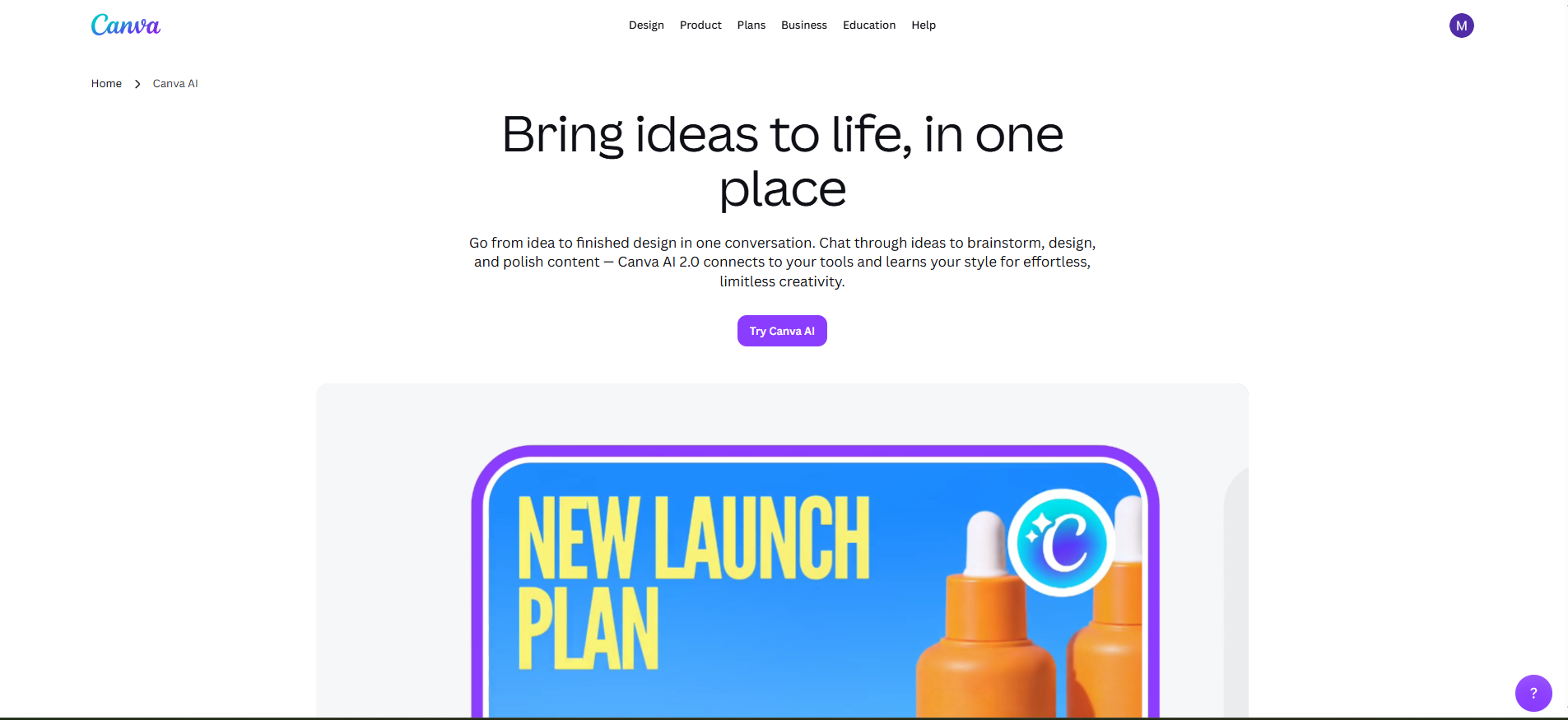
Canva AI is the AI layer inside Canva’s visual communication platform. It helps users turn ideas into editable designs, generate text, images, videos and interactive content, edit assets with Magic Studio tools, and keep creative work inside Canva’s editor.

Its biggest strength is that AI output is not just a static file. Canva focuses on editable layouts, brand assets, templates, collaboration and publishing workflows, so non-designers can move from prompt to usable presentation, social post, video, worksheet, ad creative or brand asset in one environment.

The main watch-out is that Canva AI is still a creative assistant, not a replacement for design judgement, legal review or brand governance. Teams should review AI limits, privacy controls, Brand Kit setup, approval flows, licensing and connected apps before broad rollout.

Canva AI interface
Canva AI

Main capabilities

AI designText-to-imageMagic WritePresentationsBackground removerBrand templates

Best use cases

  • Social media
  • Presentations
  • Ads
  • Thumbnails
  • Simple design
Canva AI

Is it a good fit?

Best for

  • Best for creators, marketers, small businesses, educators, social media teams and enterprise brand teams that need fast visual content production without heavy design software.

Strengths

  • Very easy for non-designers.
  • Huge template and asset ecosystem.
  • AI tools are embedded directly in the editor.
!

Limitations

  • Not as precise as specialist professional design tools for advanced work.
  • AI usage limits and pricing can vary by plan and region.
  • Enterprise-grade controls require higher plans.
Important details

Workflow and access

Platforms
Web iOS Android Desktop app Canva editor Canva Developer Platform
Setup time
Individuals can start immediately; team rollout needs Brand Kit setup, templates, permissions, app controls, AI privacy settings and approval workflows.
Learning curve
Very easy for basic creation, medium for teams that need consistent brand governance, templates and publishing workflows.
Data training
Canva says it does not use user content to improve AI-powered features unless consistent with the user’s privacy controls.
Privacy
Canva highlights GDPR, SOC 2 Type II, ISO 27001, Canva Shield, SSO/SCIM on Enterprise, privacy settings and admin controls for AI products.

Integrations

  • Canva Apps Canva Connect APIs Canva MCP Google Drive Google Photos Dropbox Microsoft One Drive Box Instagram Facebook Tik Tok You Tube Linked In Mailchimp Hub Spot app marketplace Brandfolder Open
  • API Webhooks Claude via AI Connector Chat
  • GPT via AI Connector Cursor via AI Connector
Tool Hub

Explore the full Tool Hub

Open the section that matches your question. Detailed data is not repeated on this overview page.

Mats in ’t Veld
Reviewed by

Mats in ’t Veld

Founder & AI tool reviewer Amsterdam, the Netherlands

Mats uses, tests and compares AI tools for ToolLions from Amsterdam.

About Mats and ToolLions