← Home
⇄ Motore di confronto ToolLions
ClickUp vs MeetGeek
Confronta prezzi, valutazioni, funzioni, limiti, privacy, pro e contro.
↗
Pronto a provarne uno?
Apri il sito ufficiale in alto prima della tabella completa. Controlla sempre prezzi e limiti aggiornati.
 8.6
8.6
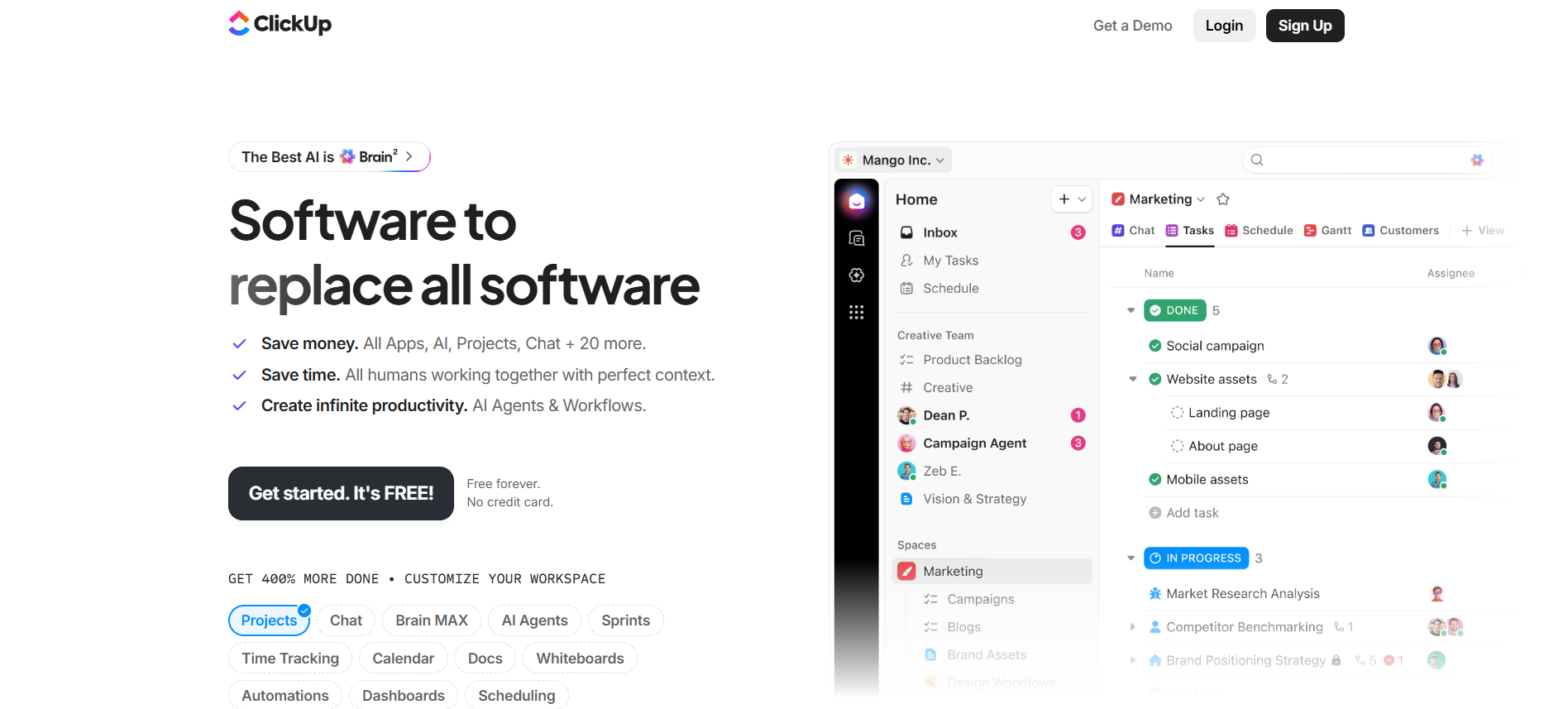
Workspace tutto in uno per project management con attività, documenti, chat, dashboard, automazioni e ClickUp Brain AI.
Gratis + piani a pagamentoPiano gratuitoProva gratuitaAPI#New
 8.8
8.8
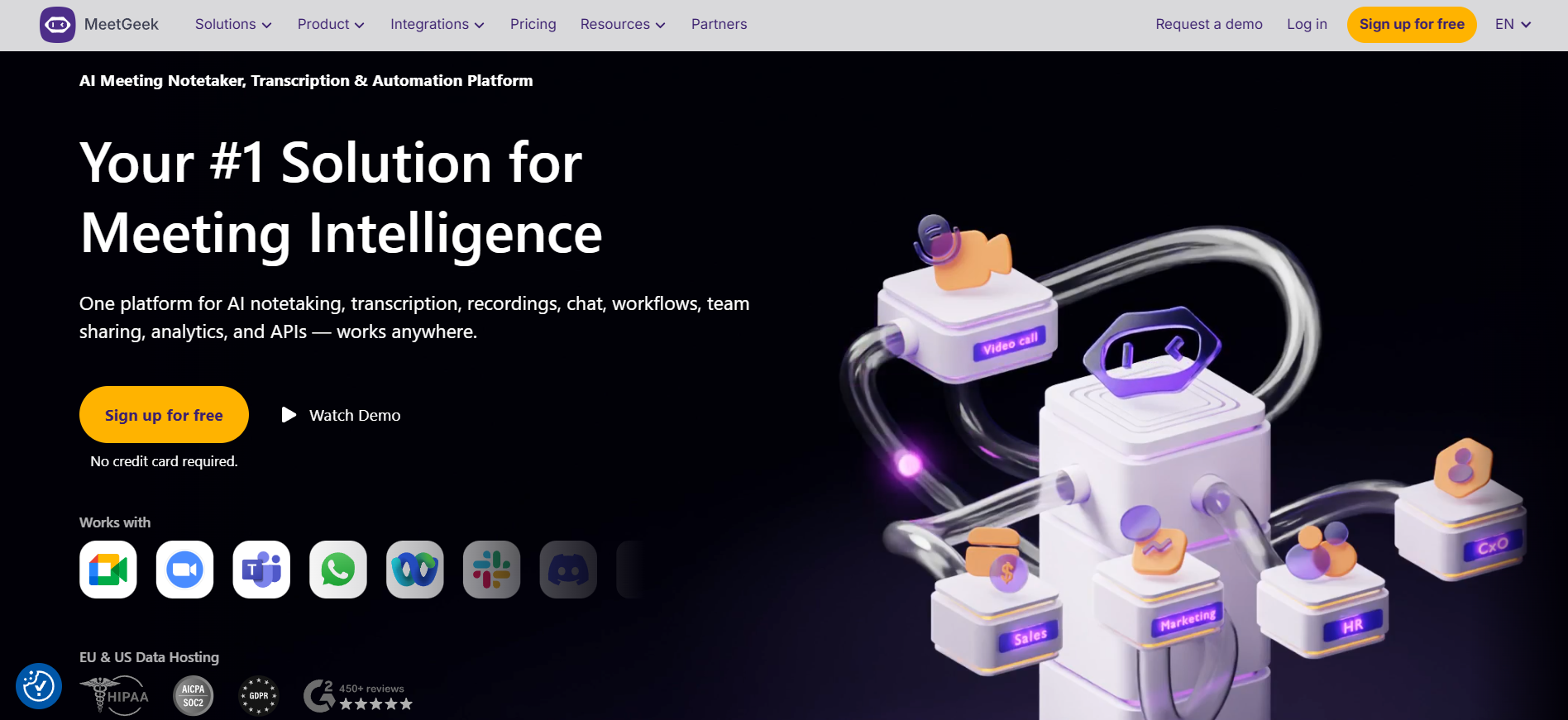
Assistente riunioni con IA per registrare, trascrivere, riassumere, cercare e automatizzare follow-up su Zoom, Google Meet, Microsoft Teams e conversazioni offline.
- AI meeting recording
- Transcription in 100+ languages
- Automatic language detection
Free plan + paid meeting assistant plansPiano gratuitoProva gratuitaAPI#New
🏆Verdetto rapido
ClickUp fits AI Productivity Tools. MeetGeek is relevant to compare because both tools share at least one category.
⭐Panoramica punteggi
ClickUp: 8.6/10 · MeetGeek: 8.8/10
ClickUp vs MeetGeek
| Factor | | |
|---|
| Valutazione | Nessuna valutazione utenti | Nessuna valutazione utenti |
|---|
| Panoramica punteggi | 8.6/10 | 8.8/10 |
|---|
| Facilità | 7.8/10 | 9.0/10 |
|---|
| Prezzo/valore | 8.4/10 | 8.6/10 |
|---|
| Qualità output | 8.5/10 | 8.6/10 |
|---|
| Ideale per | - Ideale per team che hanno bisogno di un workspace centrale per progetti
- responsabilità
- documenti
- chat
- dashboard
- tempo
- automazioni e workflow supportati dall’IA.
| - Ideale per sales
- customer success
- HR
- recruiting
- product
- leadership e consulenti.
|
|---|
| Funzioni chiave | - Tasks Docs Chat Dashboard Automations Click Up Brain AI Time tracking Goals Whiteboards Forms
| - AI meeting recording Transcription in 100+ languages Automatic language detection AI summaries Action items and next steps AI Chat across meetings Meeting templates Meeting Analytics Team spaces Global search Clips and highlights Workflow automation Public API and webhooks MCP Server Mobile
- Chrome and desktop capture
|
|---|
| Casi d’uso | - Team operations che creano workflow ripetibili Team Marketing
- prodotto e agenzie con molti progetti Team che vogliono attività
- documenti
- chat e dashboard insieme Aziende pronte a investire nella struttura del workspace
| - Sales call notes Customer success handoffs Recruiting interviews Team meeting summaries Executive meeting memory Product discovery calls Training and onboarding recordings CRM and task automation Internal knowledge sharing
|
|---|
| Piattaforme | | - web app App iOS App Android Chrome Extension app desktop Meeting bot for Zoom
- Google Meet and Microsoft Teams
|
|---|
| Input | - Tasks Docs Chat Dashboard Automations Click Up Brain AI Time tracking Goals Whiteboards Forms
| |
|---|
| Output | - Tasks Docs Dashboard Automations Reports Whiteboards AI summaries AI agents
| - Transcripts AI summaries Action items Highlights Clips Analytics Exports CRM/task updates
|
|---|
| Integrazioni | - Google Calendar
- Microsoft Teams
- Google Sheets
- Google Drive
- Zapier
- Slack
- Make
- Jira
- API
| - Google Calendar
- Microsoft Teams
- Google Drive
- Google Docs
- App Android
- app desktop
- Salesforce
- Airtable
- App iOS
|
|---|
| API | ✅ | ✅ |
|---|
| App mobile | ✅ | ✅ |
|---|
| Estensione browser | ✅ | ✅ |
|---|
| Privacy | 8.9/10 | 9.1/10 |
|---|
| Limiti | - Potente
- ma può sembrare affollato senza governance del workspace. L’IA è in parte venduta come add-on e gli AI Super crediti possono cambiare il costo mensile reale. SSO avanzato
- SCIM
- governance
- branding e residenza dei dati richiedono Enterprise. I limiti di funzioni e uso contano
- controlla i prezzi attuali prima dell’acquisto.
| - Il piano Basic gratuito è limitato a 3 ore di trascrizione al mese. Pro include 20 ore al mese
- team attivi possono richiedere Business. Business sblocca video HD
- spazi team
- Analytics team e riunioni private. Enterprise serve per SSO
- SCIM
- retention personalizzata e account manager. Registrare riunioni richiede consenso e regole privacy chiare.
|
|---|
| Pro | - Set di funzioni molto ampio Piano gratuito forte Molte integrazioni e API pubblica L’IA può usare il contesto del workspace Solida base di conformità
| - Very broad capture options: bot
- app mobile
- Chrome extension
- app desktop and uploads. Strong integrazioni and automation through native integrazioni
- Zapier
- Make
- n8n
- API
|
|---|
| Contro | - Potente
- ma può sembrare affollato senza governance del workspace. L’IA è in parte venduta come add-on e gli AI Super crediti possono cambiare il costo mensile reale. SSO avanzato
- SCIM
- governance
- branding e residenza dei dati richiedono Enterprise. I limiti di funzioni e uso contano
- controlla i prezzi attuali prima dell’acquisto.
| - Free and Pro have monthly transcription limits. Frequent meeting-heavy teams may need Business quickly. Best results require setup of templates
- sharing rules
- join rules and integrazioni. Some governance features are Enterprise-only. Recording assistants can feel intrusive if consent and internal rollout are not handled carefully.
|
|---|
💶Confronto prezzi sulla stessa base
Accesso gratuito, momento del pagamento, limiti reali e piano adatto—senza mescolare prezzi mensili e annuali.
Ingresso a pagamento comparabileNessun vincitore affidabile: periodo, valuta o livello d’uso non sono direttamente comparabili.
Accesso gratuito
ClickUpÈ disponibile un accesso di prova
MeetGeekÈ disponibile un accesso di prova
Altri confronti pertinenti